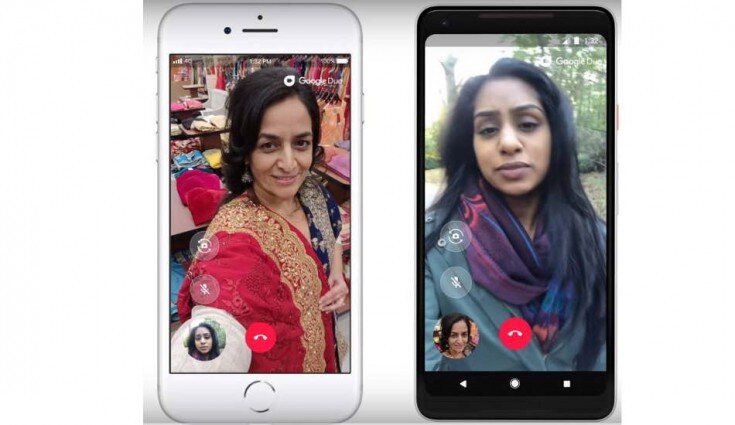

A useful video message answers a specific person’s question and makes the next step clear. Decide who the message is for, what they need to understand, and where they will watch it. Keep the delivery relevant to that context rather than treating every message as a broad advertisement.
Choose the purpose first
A sales introduction, product explanation, customer update, and internal announcement have different audiences and responsibilities. Write down the question the message needs to resolve. If the purpose is unclear, adding more footage will not necessarily make the message useful.
Show what words alone leave unclear
Demonstrate the product, introduce the person responsible, or show the relevant process when that visual information helps the viewer. Avoid adding claims merely because they sound persuasive. A message should distinguish what the business can demonstrate from what it hopes the audience will do.
When customer experience is the evidence, use our testimonial production guide to prepare questions and obtain the necessary permissions.
Design for the viewing context
Consider screen format, sound, captions, and where the video will be shared. Make important information understandable in that environment. If you need multiple versions, include them in the production brief so the team can plan the coverage and edit.
Give the viewer a useful next step
Ask for an action that follows naturally from the message: request a demonstration, review a relevant service, or reply with a question. Evaluate whether the message helped that conversation. A view count alone cannot tell you whether it did.
For production planning, contact brian@boltworldwide.com with the audience, message, channel, and delivery date.