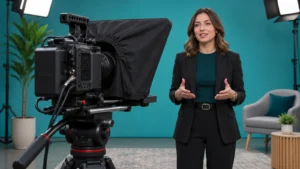
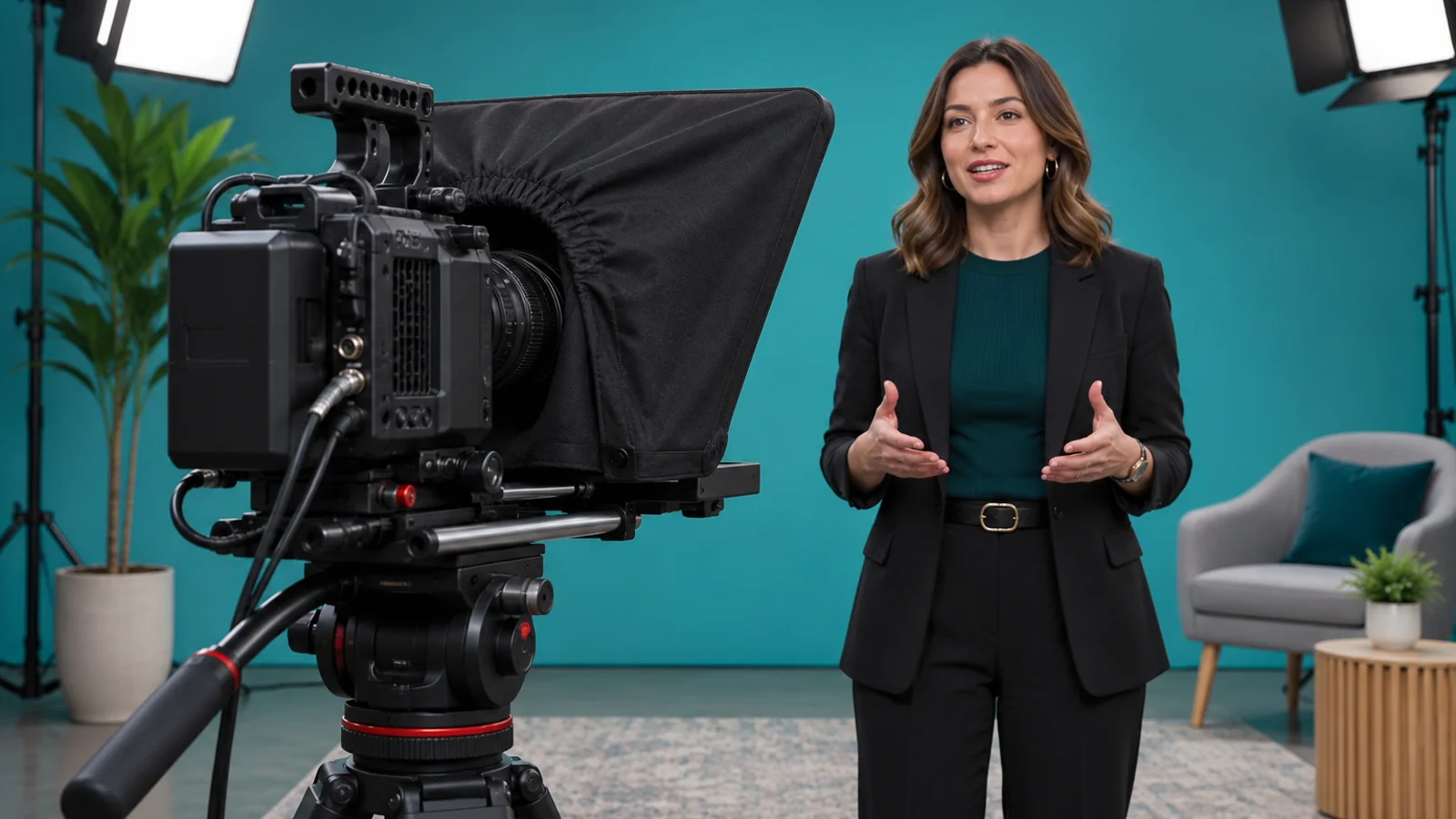
Record the presenter reading a representative passage at the planned camera distance and framing. Play it back to check whether the presenter’s gaze stays where you want it, difficult words are clear and pauses give the audience time to follow. Test changes one at a time so the crew knows which setup to use on shoot day.
Bring the hardest passage
Choose the part with an unfamiliar name, a long sentence or a transition into the main point. Have the presenter read it from the actual script using the planned lens and framing if available. Ask the operator to agree on a signal for pausing and restarting before you record.
If the job is an executive announcement, Bolt’s executive message planning guide covers the intended audience, spokesperson and script approval. The recorded test gives you a way to check how that approved message will come across on camera.
Watch the eyes and listen to the sentence separately
Watch the rehearsal clip once with the sound down. Is the presenter looking at the intended spot? Is there obvious side-to-side eye movement when a line gets long? Compare the gaze at the beginning and end of a sentence. Fix the setup when it draws attention away from the message.
Then listen without watching. Note where the delivery rushes, drops the end of a thought or pauses in the middle of a phrase. Test one change to the scrolling speed, text size or line breaks. Repeat the same passage so the producer can compare it directly. Adjust the reading distance or prompt position with the camera team if that is the issue.
Mark what needs to be read verbatim
Separate fixed language from passages where the speaker can use their own words. If a statement needs exact approved wording, keep that passage on the prompter and verify the recorded words. For an explanation that can vary, try a short cue and let the presenter finish the thought. Use the recording to decide which approach makes the meaning clearer.
For a fictional product announcement, the presenter could read the approved product name and availability wording verbatim, then explain the product’s audience from a prompt. Ask the person who owns the script to approve that distinction. If the issue is where the presenter gestures or handles a product, schedule the appropriate camera rehearsal for that action as well.
Give the crew the setup that worked
Save the rehearsal clip and the script version used. Record the prompt position, readable text size and where the presenter prefers to restart after a mistake. If the shoot changes framing or reading distance, give the crew a short retest before recording the full script.
If you’re preparing a filmed presentation, see Bolt’s video production services or email brian@boltworldwide.com with the script, presenter and intended viewing context.