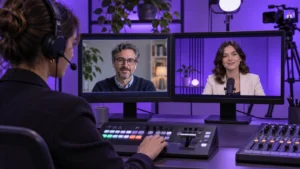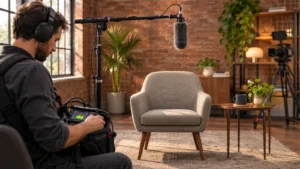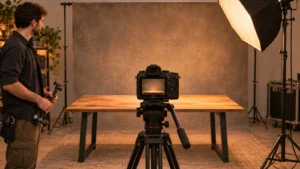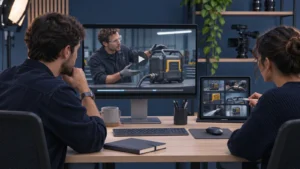
Record a test with every camera and the separate audio recorder you intend to use. Bring those files into the editing workflow, align them and check picture against sound near the beginning and end of the sample. Matching timecode labels can help align clips. Playback is what shows whether the recordings stay together.
Agree how the editor will align the files
Ask the camera, sound and editing teams how they intend to match the files. Timecode gives recorded frames time labels. The team should agree how those labels will be recorded and read, or what other shared reference the editor will use. Have the people handling the equipment confirm the settings for the actual devices.
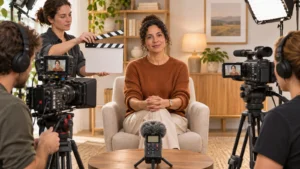
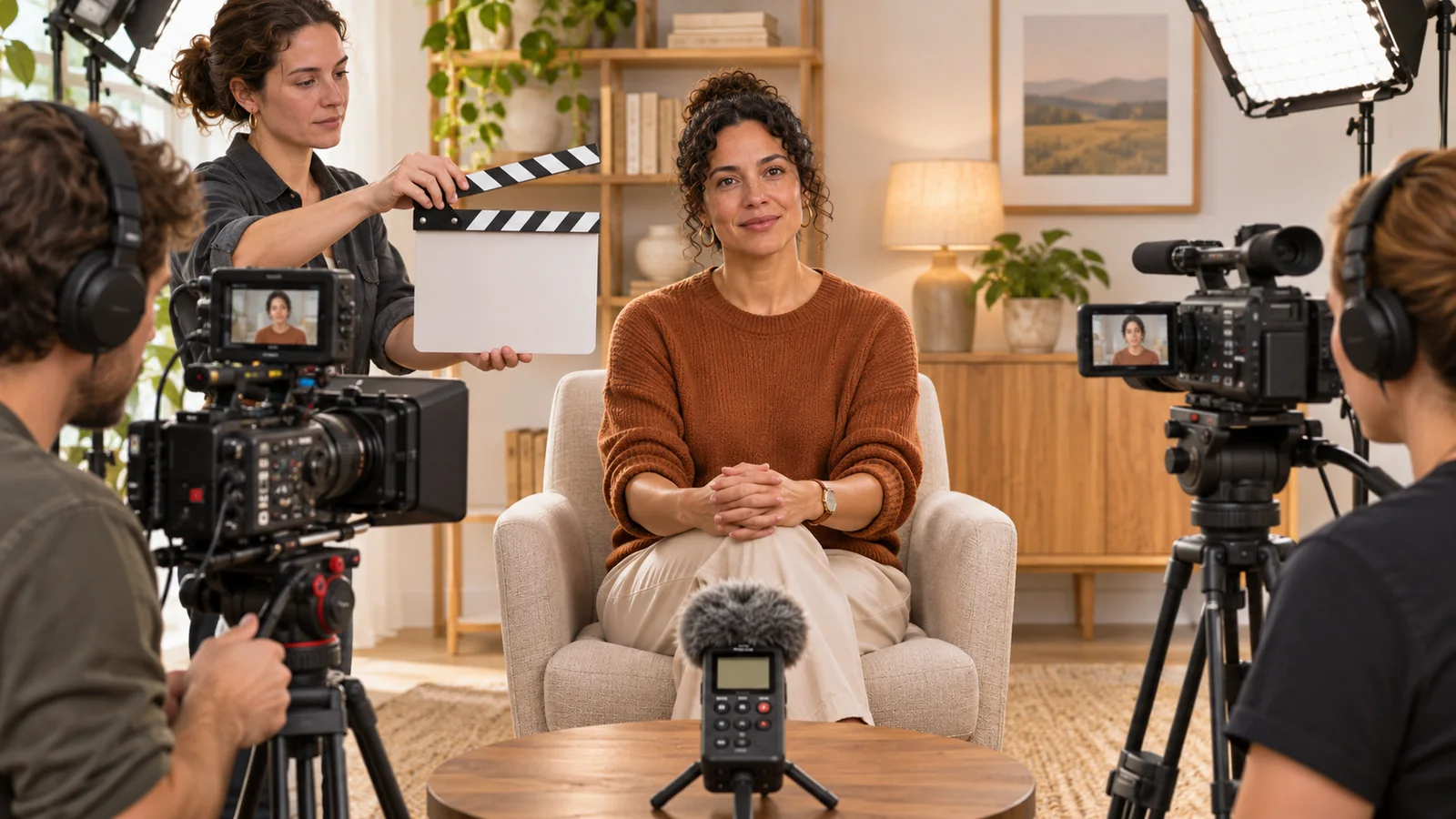
Choose a visible and audible reference that the cameras and recorder can capture together. For a fictional interview with a wide camera and a close camera, a slate clap can give the editor a frame to see and a sound to hear. Check that the slate appears in both shots and that the separate recorder captured the clap.
Verify the actual recordings together
Record a sample with the same camera angles, sound inputs and recording setup planned for the interview. Include someone speaking naturally and a clear sync reference. If the interview will run continuously, ask the editor and sound lead to choose a test long enough to check for separation over time.
Open the files together. Confirm the planned alignment method works, then watch a speaker’s lips against the recorded speech at more than one point. A clip that is offset by the same amount throughout calls for a different diagnosis from one that lines up at first and gradually separates.
If the crew changes a recording device or settings after the test, make a fresh recording and check it. Note who is responsible for confirming the new setup before the next interview. If the team captures matching room tone as well, label that sample for the setup it belongs to.
Send the editor the references and exceptions
Keep the original camera and audio files together by interview or take. Identify which recorder captured the dialogue and which camera recorded each angle. Include the chosen alignment reference and any point where a device stopped, restarted or was replaced. See Bolt’s video editing handoff checklist for the other files and notes that belong with the originals.
If the test fails, keep the sample that showed the problem so the people responsible can compare it with the corrected version. Agree what the crew will do if the issue comes back during filming, including which reference the editor should use and who can pause recording to fix the setup.
If you’re planning a multicamera interview, see Bolt’s post production services or email brian@boltworldwide.com with the camera plan and the edits you need.