Interactive video is worth considering when a meaningful viewer choice changes the information or path the viewer needs, and your team can support the player, content and ongoing checks. Start by comparing that experience with a straightforward film and ordinary page links. Choose interaction because it helps someone complete a task, not because clicking is automatically evidence of a better result.
This is a commissioning guide for a brand or agency evaluating the idea. Confirm implementation, hosting and support with the suppliers you select. It does not claim Bolt provides a particular interactive platform, shopping integration or tracking system.
Define the choice before choosing the technology
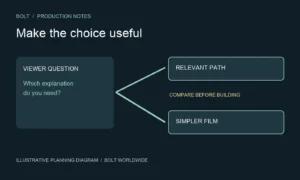
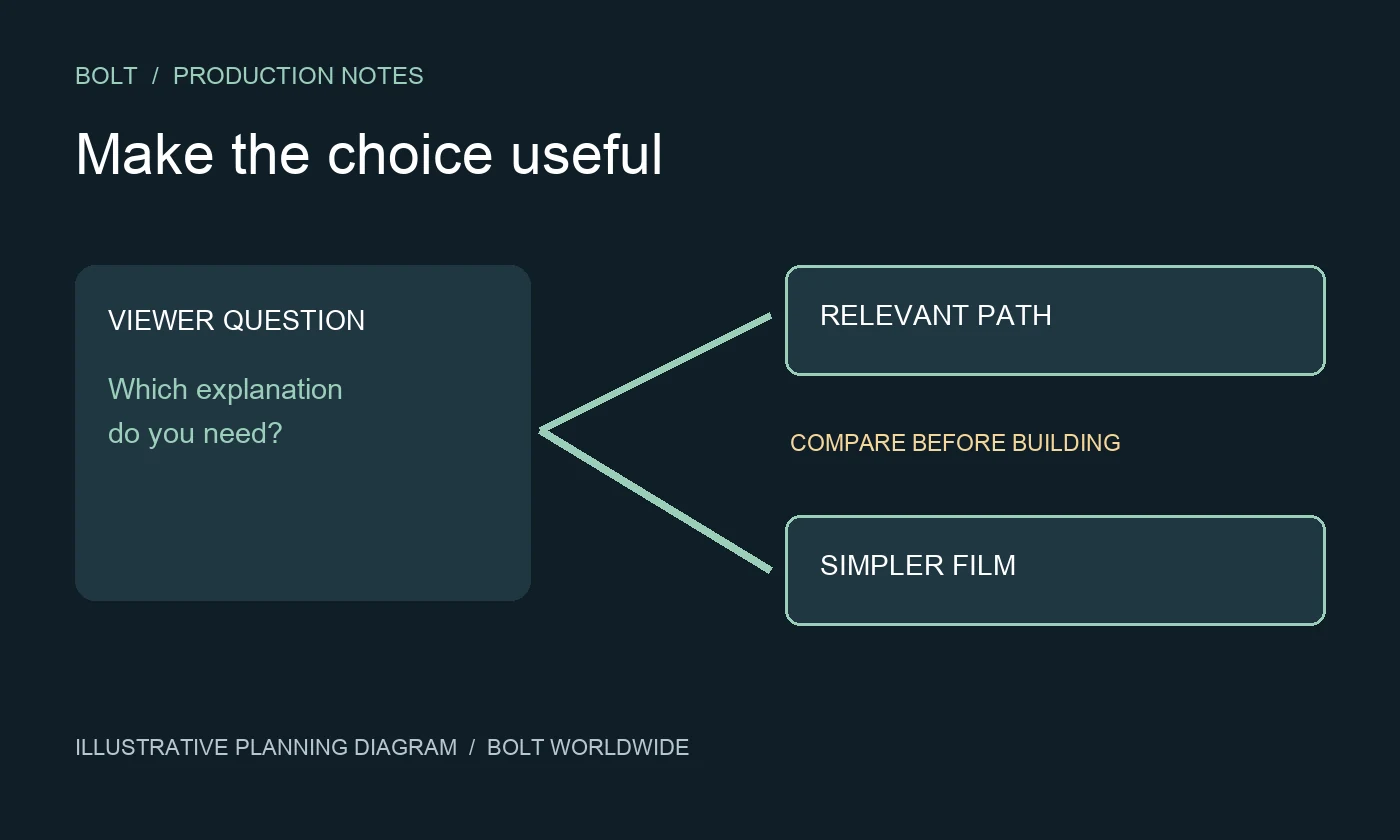
Write down what the viewer can decide and why it matters. A choice may reveal a relevant explanation, move to another section or let someone investigate a detail. Describe the resulting experience clearly enough that the team can compare it with a simpler alternative.
For a hypothetical software demonstration, a viewer might choose which workflow to explore. That could be useful if the explanations differ substantially. If every route shows the same material with a different heading, the interaction may add work without helping the viewer. Test the underlying information need before designing a menu around it.
Our product demo planning guide starts with the buyer question. Apply that discipline here: identify what a person needs to understand, then decide whether a choice improves the route to the answer.
Compare it with a simpler viewing path
Sketch the proposed experience as a film on a page with descriptive links or clearly separated sections. Ask what the interactive version would let the viewer do that this arrangement would not. Sometimes the comparison reveals a strong reason to build the interaction. Sometimes it makes the simpler route easier to defend.
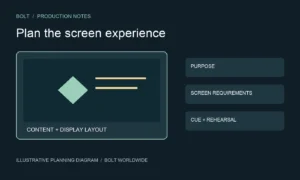
Consider the context of use. A person studying a topic on a website has a different viewing situation from someone watching a shared presentation. Describe where the experience will live and which devices matter. Ask the proposed provider to demonstrate the actual route in that context rather than show a polished example from an unrelated project.
A linear film remains a valid creative choice. The aim is to remove unnecessary friction from the viewer’s task, not to reject every conventional format. Keep the decision connected to the audience and the explanation rather than a preference for novelty.
Plan the content behind every option
List the available paths, the information each contains and where the viewer can go afterward. Identify repeated material and content that must remain consistent. A new choice can require additional writing, design, filming, editing and review even if the opening screen looks simple.
Make the navigation language part of the content review. A label should describe a destination the viewer can reasonably expect. If the option promises a demonstration, check that the next section actually demonstrates the relevant action rather than repeat a general marketing claim.
Use the video production brief to document the audience, objective and required versions. Add the proposed paths, the people who verify them and any unresolved implementation questions. Have the production and implementation teams explain what their respective scopes include.
Treat the player as part of the experience
A finished edit is only one part of an interactive release. Ask the selected provider how the controls, video and surrounding page work together. Establish who configures the experience, tests it in the intended environment and handles a problem after release.
The World Wide Web Consortium Web Accessibility Initiative’s media player guidance identifies keyboard operation, visible focus, clear control labels and compatibility with assistive technology as important player considerations. Use that guidance with your implementation team when defining the review. Adding an interactive layer does not by itself establish that the complete experience is accessible.
Ask reviewers to try the available paths, return to earlier information and find an alternative route when they do not want to interact. Include the intended device and input methods in the test plan. A successful click in a supplier’s demonstration does not settle how your final content behaves on your page.
Keep essential information available
Decide what someone must understand even if they do not select an optional element. Avoid hiding a necessary qualification behind an unexpected control. The viewer should be able to distinguish the main explanation from extra detail and know how to continue.
Discuss captions, transcripts and other relevant access requirements with the responsible team. Our caption delivery and review guide covers the asset and review decisions for finished video. Interactive navigation introduces additional checks beyond the caption file itself.
Agree what happens when a viewer uses a different device, a feature fails or the intended player is unavailable. The appropriate alternative belongs in the implementation scope and testing discussion. Do not promise universal compatibility based on a single working example.
Measure the decision the interaction is meant to support
Choose the question you want to investigate before release. For example, you may want to learn whether viewers can find the explanation relevant to their task. Ask the analytics owner which events can actually be recorded and how they will be interpreted.
A click tells you an action occurred in the measured setup. It does not independently prove understanding, a better lead or a sale. Compare observations with the purpose of the experience and preserve the limits of the evidence. Our campaign measurement guide explains why attention and business outcomes need different treatment.
Who will keep the experience current?
Name the person responsible for changing a product detail, replacing a film segment and checking the affected paths. Ask what access and supplier support those changes require. Discuss the available export or alternative viewing options before relying on a system that your team cannot independently maintain.
Keep an approved path map and a record of the released content. When a change arrives, review both the relevant segment and the controls that lead to it. A replacement video may be correct while its old label still directs the viewer toward the wrong expectation.
What should we bring to the first discussion?
Bring the audience question, proposed choices, intended page or viewing setting, available material and a clear reason the simpler option may not be enough. Identify the implementation owner, review process and ongoing support expectations.
Email brian@boltworldwide.com to discuss the video content and production requirements. Confirm the interactive implementation with the selected provider. The useful decision is whether the complete experience helps the viewer do something that justifies the extra work.