Use one chaptered product video when viewers arrive in the same place and benefit from a common setup or sequence. Make separate clips when each will be shared on its own, needs its own explanation or next step, or will be updated independently. Decide where each viewer will land before you decide how many files to make.
Start with the viewer’s entry point
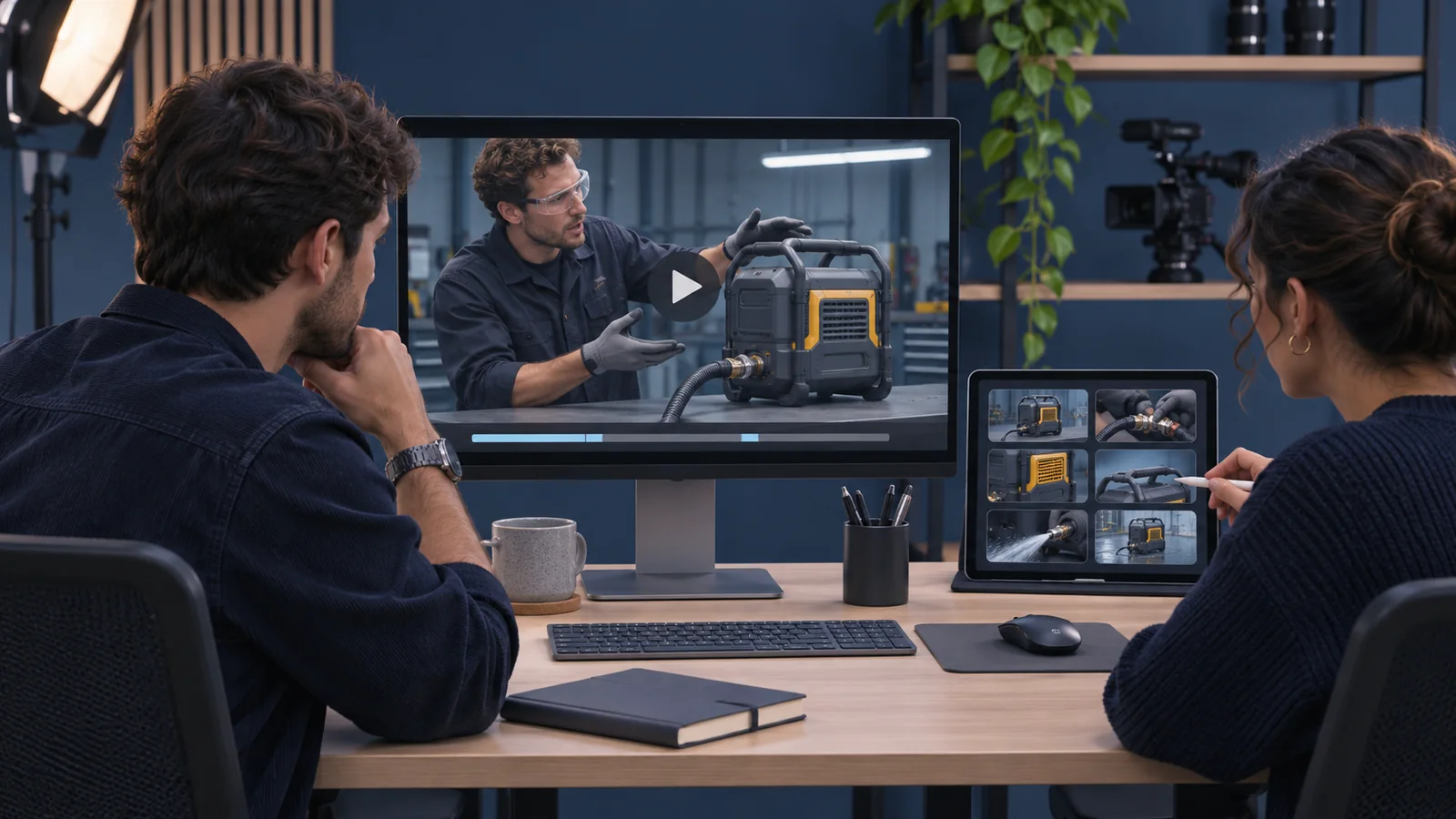
Suppose a fictional equipment maker wants to show buyers how a machine is set up, how it runs and how it is cleaned. On a product page, one video with chapters can give visitors a quick overview and let them jump to the task they came to see. The setup chapter can establish what the machine does and show details that the later sections can refer back to.
A sales rep answering a question about cleaning has a different job. If the rep sends a clip by itself, the first few seconds should identify the machine and the part being cleaned. The viewer should understand what happened without having to ask for the missing setup. If you still need to decide which action to show, use Bolt’s guide to planning a product demo around buyer questions.
Compare what each version needs to do
Write down where the material will appear, what the person knows when they arrive and what they should be able to do next. If everyone starts on the same page and needs the same context, give the chapters names that match questions buyers actually ask. A title like “How to clean the filter” is easier to choose than “Part three.”
If different teams will send different sections, check that each clip can open and end on its own. A sales follow-up might invite the buyer to ask about their setup, while a support clip might direct someone to a specific resource. Agree who can approve those endings and which version each team should use.
You can plan both from the same shoot. Identify which sections need their own opening, closing or shots before filming. For another example of planning excerpts that make sense on their own, see Bolt’s guide to turning a panel recording into useful short clips.
Test the player and plan for changes
Open the published or staging page as a viewer would. Confirm the player displays chapter markers and that each marker starts where the relevant explanation begins. If you plan to send a link to a section, try the actual link in the intended viewing environment. Player behavior can vary by where and how the video is shared.
Decide who will update the material if a feature changes. A revision to one step may change the timing of later chapters, so review the markers against the revised file. With separate clips, list the pages and sales materials that use each clip so you can replace the right one when needed.
Try watching a chapter and its standalone equivalent without seeing the rest. If the standalone version only works with extra explanation, plan that explanation into the clip. If the chapter introduces everything again, decide whether that repetition is helpful for people who jump straight there.
If you need help planning a product video and its versions, explore Bolt’s video production services or email brian@boltworldwide.com with the destinations and questions the video needs to cover.