Send your video editor the original media, a clear brief, useful production notes, approved brand assets and a delivery list. Identify what is missing, what needs verification and who can approve the edit. Agree on the transfer and backup process before sending files. A good handoff makes the creative objective clear as well as the location of the footage.
A drive full of beautifully shot material can still leave an editor guessing. Which interview answer matters? Is the logo current? Does the sales team need the same opening as the website? Resolve those questions before asking for a first cut.
Start with the decision the video needs to support
Give the editor the intended audience, the main message and the action or understanding the video should create. Include the agreed script or treatment, while identifying any changes made during the shoot. A reference film is useful when you explain the pacing, tone or structure you want to discuss.
Send the current video production brief, not a chain of conflicting versions. Make clear which decisions are approved and which remain creative questions for the editor.
Agree on how the original media will arrive
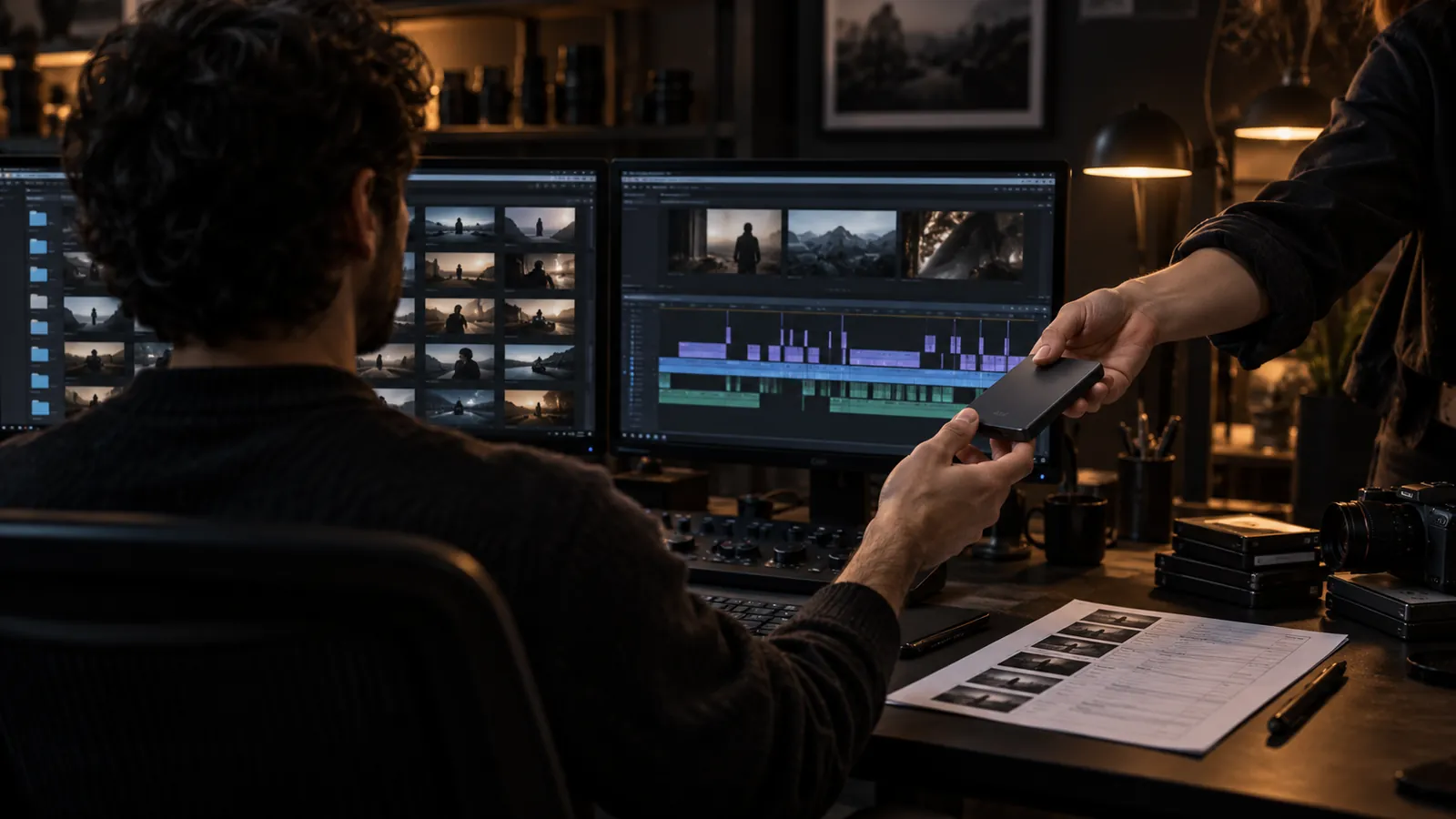
Ask the post-production team which transfer method and folder structure they need. Preserve original camera files and their associated folder structure unless the receiving team specifically requests a different arrangement. Include separately recorded sound and any information needed to match it to the picture.
Confirm who is responsible for the working copy and the backup. A successful upload notification alone does not establish that every required file has arrived or can be opened. Ask the receiving team to confirm completeness and report missing or unreadable media before the schedule depends on it.
For context on how the material moves into editing and finishing, read our overview of the post-production process.
Give useful selects without hiding the rest
If you have preferred interview answers or takes, identify them with clear file references and timecodes where available. Explain why a moment matters. Distinguish a required factual statement from a line you simply liked on the day.
Do not send only a compressed compilation when the editor needs access to original material. Ask whether the team wants a selects sequence, written notes or another format. Keep rejected factual claims clearly marked so an attractive sound bite does not accidentally return to the story.
Package the assets that affect the cut
Provide the approved logo, brand guidance, names and titles, pronunciation notes and any graphics or product references the edit needs. Identify the person responsible for verifying technical statements and on-screen information.
Mark temporary music, reference images and draft graphics as temporary. Explain which assets are cleared for the intended use and which still need review. If an asset cannot be supplied yet, tell the editor when it is expected and whether an alternative is acceptable.
Define the versions before the first timeline
List the intended channels, screen formats, approximate durations, caption needs, languages and delivery dates. Ask the editor to flag requirements that the available footage may not support. A short vertical version may need different framing and story choices from a wide presentation film.
Discuss those requirements with Bolt’s video editing team before assuming every version can be created from the same selection of shots.
Name the reviewer and the review stage
Clarify what the first cut is meant to establish. If the review is about structure and message, say so. Do not let an early music choice distract from a missing explanation or an unsupported statement.
Name the final decision-maker and agree how comments will be consolidated. Our guide to keeping video approvals moving explains how to avoid conflicting instructions.
Should we organize everything before contacting an editor?
No. Bring the editor into the planning conversation early, especially if the media is incomplete or the project is already underway. A list of known gaps is more useful than a polished folder that conceals uncertainty.
What is the minimum useful handoff?
A clear objective, accessible source media, the required versions, essential assets and an accountable reviewer. Add production notes and selects that help the editor understand what happened on set. The right detail supports decisions rather than burying them.
Email brian@boltworldwide.com with the footage you have, the audience and the deadline. The first cut should test the story, not your editor’s ability to guess the assignment.