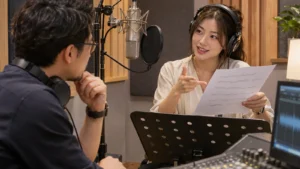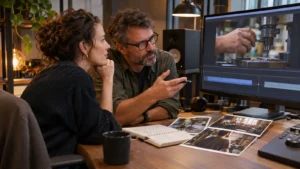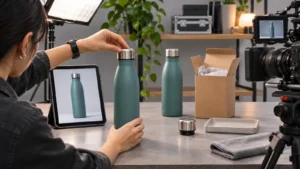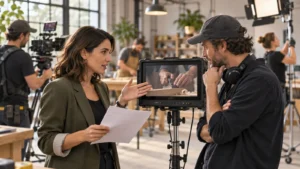
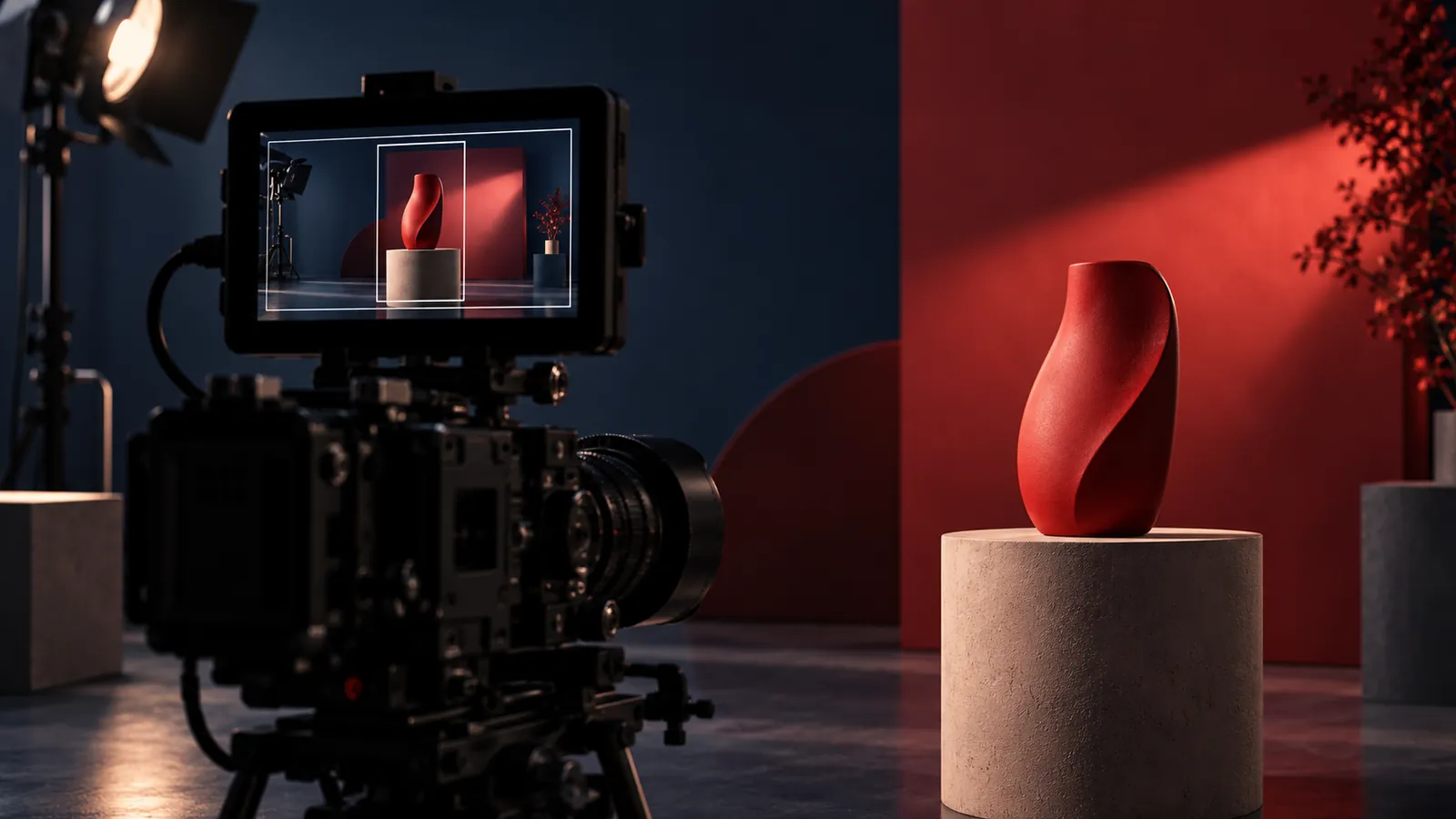
Plan vertical and horizontal video as related deliverables before the shoot. Identify where each version will appear, what the viewer needs to understand and which subjects or actions must stay visible. Test framing with the production team, then decide whether shared coverage is enough or a separate setup is needed. A different screen shape can require a different shot, not just a different export.
The problem often appears late: the wide film looks excellent, but the portrait crop cuts out the product, separates two people or leaves no room for a useful graphic. The solution begins with the shot list, not the delivery folder.
Start with a deliverables map
For each planned version, name its audience, placement, purpose, screen shape and approximate length. Confirm the actual destination requirements with the team placing the content. Avoid planning around an assumed platform specification that nobody has checked.
Put that map in the production brief. The crew and editor should be working toward the same set of deliverables rather than discovering additional formats after filming.
Test the action inside each frame
Take a planned moment and ask what the viewer must see. Is the important detail the speaker’s expression, the product in their hands or the relationship between people across a room? Check the intended wide and portrait compositions before accepting the setup.
For an illustrative example, imagine a presenter standing beside a product. A wide frame may show both comfortably. A portrait version may need the presenter behind the product, a tighter demonstration or a separate insert. Decide which approach supports the explanation rather than treating the crop as a purely technical choice.
Do not confuse extra pixels with a complete plan
Additional recorded image area may create reframing options, but it does not change where people stand, where the action happens or what the background contains. Ask the director and cinematographer what can realistically work from shared coverage.
If one composition compromises the important action, schedule another setup. Discuss the tradeoff in pre-production while the people, product and location are still available.
Capture moments that can stand on their own
A short edit needs a clear entry point. Ask which shots, demonstrations or interview answers can communicate something useful without depending on a long introduction. Record the context needed to keep a shortened statement accurate.
For a product sequence, plan a view of the action as well as the detail that makes it understandable. Our product demo planning guide connects that coverage to the buyer’s actual question. More footage is useful only when it gives the editor a meaningful choice.
Plan the graphics around the viewing experience
Ask where captions, names, product information and calls to action will appear in each version. Preview representative layouts at the intended viewing size and in the actual destination when practical. Check that the graphic does not cover the demonstration or compete with a person’s face.
Do not assume a title designed for the wide film will remain readable after being reduced or repositioned. Include the required graphic versions in the post-production scope.
Let the shorter edit have its own structure
A shorter version may need to open with the demonstration rather than the company introduction. A portrait version may need a different sequence because the relationship between subjects is shown through separate shots.
Keep the underlying facts and brand message consistent while allowing the edit to suit its viewing context. Do not shorten a statement in a way that removes a qualification or makes a demonstration imply more than it establishes.
Can one shoot produce both formats?
Yes, when the required coverage and versions are planned together. Whether a particular shot can serve both depends on its composition, action and technical capture. Have the production team test that decision instead of promising that everything can be cropped later.
Do we need a separate shoot for every channel?
Not necessarily. Start by identifying the specific difference the additional version requires. It may be an alternate setup, an additional close view or a different introduction within the same production day. Include the work in the agreed scope rather than assuming it is free or automatic.
Email brian@boltworldwide.com with your intended placements and versions. A campaign should be planned for the screens where people will see it, not rescued for them after the shoot.