Plan visual information in video narration by identifying what a viewer needs to understand from each scene and checking whether the spoken words convey it. Include essential actions, labels and changes in the script where they fit naturally. Bring unresolved needs to the team responsible for accessibility before recording, and agree how the finished version will be reviewed.
A training film can have clear captions while leaving an important action unexplained for someone who cannot see the picture adequately. Captions and description address different information. Our caption delivery guide covers the text accompanying sound. This checklist starts earlier, with the meaning carried by the pictures and the words the production team is preparing to record.
What would the viewer miss without the picture?
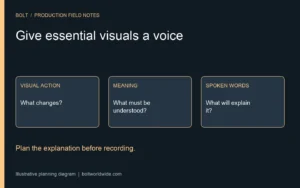
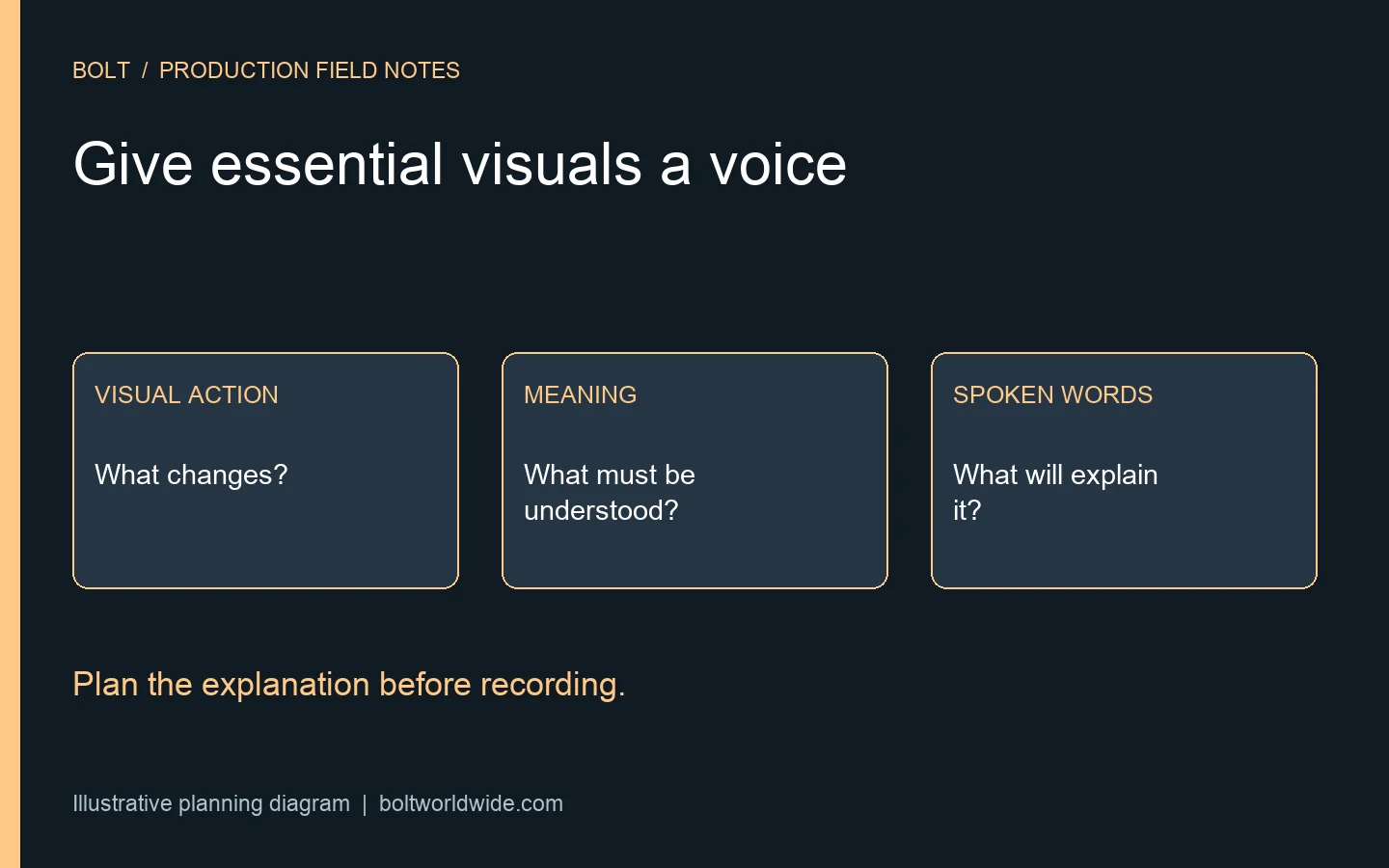
Review the planned sequence with the script beside it. Mark moments where the picture supplies information the spoken explanation does not. Look at demonstrations, diagram changes, product labels and important text. Ask what the viewer must understand at that moment to follow the next step. The question concerns meaning, rather than a spoken inventory of every visible object.
For a hypothetical software walkthrough, the speaker might say to choose this option while a pointer moves to a menu item. Someone listening needs the name of the option and the relevant action. Write that information into the proposed explanation, then verify it against the actual interface. Do not add a label from memory when the product has changed.
Which information belongs naturally in the main script?
Ask whether the speaker can explain the necessary action as part of the instruction. Replace a vague reference with the relevant name, relationship or change. Keep the wording accurate and appropriate for the audience. A script that explains the task clearly may serve the production better than one that requires the viewer to infer every detail from a moving pointer.
The World Wide Web Consortium’s description guidance explains that essential visual information can be incorporated into the main speakers’ scripts, an approach it calls integrated description. It also describes separate described versions and other delivery options. Use that distinction to discuss the planned content with the responsible reviewers. It does not mean every film should use the same treatment.
How should a demonstration describe the action?
Name the action that matters and explain what changes as a result. In a hypothetical equipment demonstration, a hand might move a control and an indicator might change. Ask which information a viewer needs to understand that sequence. Have the person accountable for the procedure verify the proposed wording. The production team should not invent operating instructions to make the narration easier to record.
Distinguish essential information from incidental movement. A person walking into a room may establish a transition without needing detailed commentary, while a small change in a diagram may carry the main explanation. The decision depends on the content and audience. Mark uncertain cases for review instead of assuming that the size of an object determines its importance.
For an employee onboarding film, connect the review to the task the employee needs to understand. Keep the approved procedure and the filmed explanation together. If the proposed description exposes an unclear step, resolve the underlying instruction rather than hide the uncertainty behind a smoother read.
Which on-screen words need spoken context?
Review labels, names, titles and calls to action in the planned graphics. Identify where an important statement exists only as text on screen. Ask whether the narration conveys the necessary meaning and whether the wording has an accountable factual reviewer. Decorative wording and essential instructions deserve different discussions, but neither should be assessed simply by how much screen space it occupies.
A hypothetical diagram might show a request moving from a customer to a support team. If the narration describes only a faster experience, the relationship in the diagram may remain unexplained. Discuss what the viewer needs to learn and choose words that carry that meaning. Do not turn an illustrative arrow into a claim about a real product’s capability without verification.
When should this review happen?
Do the first pass while the sequence and narration are still being developed. Put the question into the production brief and identify the people who will review it. A later discovery can affect the words, timing, edit or intended versions. Give the producer a chance to plan those dependencies before the recording session is treated as settled.
Use the storyboard review guide to compare the proposed pictures and script. Here, add a specific question about access to essential visual meaning. Keep factual accuracy, creative intent and accessibility review connected without treating any one approval as a substitute for all the others.
What if the main narration cannot carry everything?
List the unresolved visual information and discuss the available approach with the producer and appropriate specialist. A story, a crowded soundtrack and a straightforward instructional sequence can create different constraints. Ask what a separate described version or another agreed format would involve. Confirm how the intended publishing destination would support the chosen approach before assuming delivery is straightforward.
Record the decision in the version plan and post-production scope. Identify the source script, the additional work if required, the reviewers and the final files. Do not label a general production decision as a determination that a particular film meets every accessibility obligation. That requires assessment of the actual content and applicable requirements.
How should the team check the recorded result?
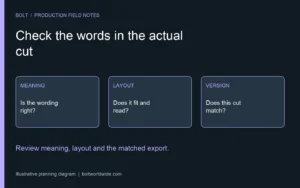
Review the actual sound and picture, not just the approved script. Confirm that the relevant information was recorded and still corresponds with the sequence. An edit can change the order, remove a clarifying phrase or replace the graphic. Ask the responsible reviewers to check the final version in the context where it will be used.
As an editorial check, listen for information that depends on an unexplained visual reference. Keep any such exercise alongside the specialist review; it does not reproduce every viewer’s experience or certify accessibility. Record corrections against the exact cut and repeat the relevant checks after changes.
Does this replace captions?
No. Planning spoken visual information addresses a different part of the viewing experience. Identify caption, description, transcript and player needs with the team responsible for the project. Keep the agreed deliverables and final checks visible rather than assume one feature settles all access needs.
What should we bring to the production conversation?
Bring the audience, draft script, planned visual sequence, delivery destinations and review contacts. Mark moments where essential meaning appears only in the picture. Email brian@boltworldwide.com to discuss the production plan while the team can still shape the narration and versions together.