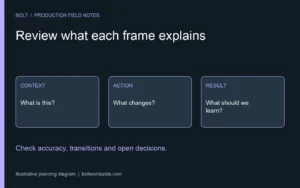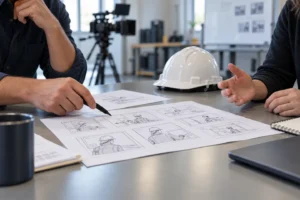
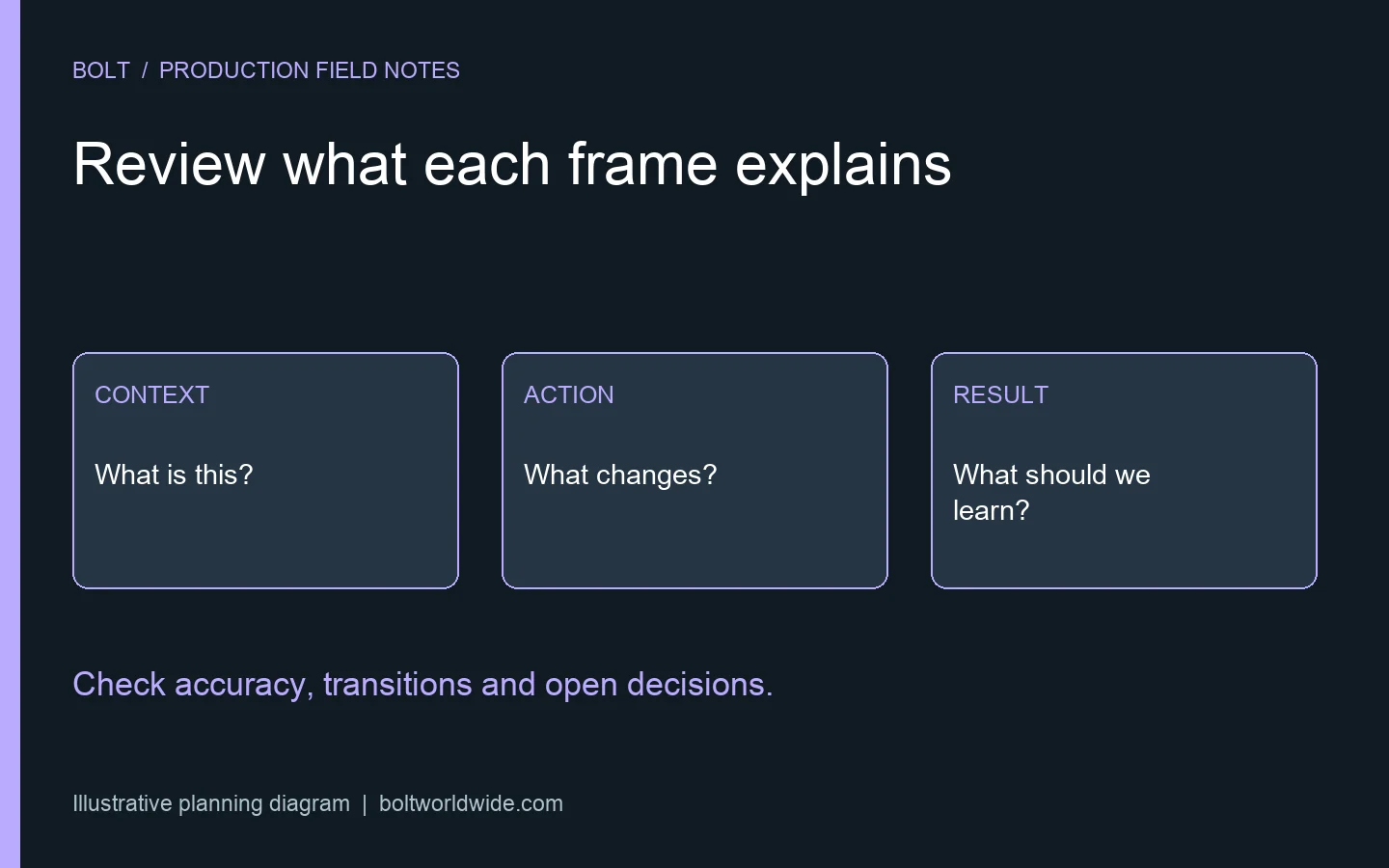
Review an animation storyboard by checking what each frame communicates, how the sequence explains the message and which decisions are still represented only by notes. Compare pictures with the approved script, verify technical details and identify movement, timing and accessibility questions that need another review format. Approve a named version and a clear next stage rather than assuming static pictures settle the finished animation.
This guide concerns the review after animation has been selected. Our animation versus live-action guide covers the earlier format decision. A storyboard review then turns a chosen approach into specific questions the commissioning team and animation team can resolve together.
Start with the viewer’s understanding
Write the intended viewer and the main question above the board. Read the sequence without the background explanation the project team already knows. Can a new viewer understand the situation, the relevant action and the reason it matters? Identify where an internal assumption is doing work that the pictures and words have not yet done.
For a hypothetical software explanation, an arrow moving between two boxes may look clear to the people who know the product. Ask what the boxes represent and whether the viewer receives that information before the movement matters. A visually tidy diagram can still leave the relationship unexplained. Resolve the meaning before spending the review on decorative detail.
Match each frame to the right words
Place narration, dialogue and important on-screen text alongside the corresponding images. Ask what the viewer should learn from the combination. Look for a sentence describing one action while the proposed picture shows another, or a label that appears only after it was needed to understand the sequence.
Use the approved script review as a reference rather than reopening every line automatically. If the board exposes a real problem in the writing, record the proposed change and who can approve it. Keep the script and storyboard versions connected so the animator does not receive conflicting instructions from separate documents.
Separate accuracy from a visual metaphor
Identify illustrations of real products, processes or relationships and name the person who can verify them. Ask whether the reference material is current and whether a simplification removes an important condition. A technical reviewer should know which details need literal accuracy and where the creative team proposes a clearly illustrative device.
For a metaphor, check what a viewer might reasonably infer. A simplified path can help explain an idea without proving that a product performs every depicted step. If a picture suggests a capability that has not been established, change the picture or clarify the explanation. An attractive frame does not resolve a factual question by itself.
Discuss the intended level of detail with Bolt’s animation and motion graphics team. Bring the source material and the people who can resolve accuracy questions, rather than asking the animator to infer technical truth from a rough reference.
Ask what happens between the drawings
A set of still frames cannot show every transition or establish how long an action will take. Read the movement notes and ask the team to explain what changes between the images. Check where an object enters, transforms or disappears, and whether that movement carries information the viewer needs.
Mark which questions need a timed rough sequence or another agreed demonstration before detailed animation. If sound or narration is provisional, label that clearly. Do not judge a temporary read as the final performance or treat the absence of finished motion as a defect in a document created to plan it. Agree what this review can actually settle.
Check the visual hierarchy and viewing environment
Identify where the viewer should look in each important moment. When a diagram, a label and narration introduce different information at once, ask what should take priority. Use the intended screen and placement as part of the discussion, particularly when text or fine detail carries the explanation. A presentation viewed at full size on a desktop is not the only likely viewing condition.
Accessibility is also a planning question. The World Wide Web Consortium’s audio and video planning resource addresses the accessibility features and responsibilities a media project needs to consider. Bring the appropriate reviewers into decisions about important visual information, captions and other delivery needs. Do not wait for a finished animation to discover that essential information was available only in a brief visual cue.
Give feedback that identifies the communication problem
Refer to the frame and explain what is unclear or inaccurate. For example, say that the customer cannot distinguish the starting condition from the outcome, rather than simply calling the frame confusing. State a factual correction precisely and distinguish it from a creative preference. The production team can then propose a solution that fits the whole sequence.
Collect feedback through an agreed project contact and resolve contradictions before sending it onward. If one reviewer wants a simpler diagram and another requires more technical detail, identify the intended audience and decision owner. The video approval workflow guide explains that coordination separately from the creative review itself.
Record what is approved and what is still open
Name the file version and the decisions it settles. Separate approval of the story sequence from any pending style, voice, timing or technical check. Make the remaining questions visible, with an owner and an agreed next review point. Ask how a later change to an approved decision would affect the planned work rather than assuming every change belongs in the same revision round.
Keep supporting references with the approved version. A supplied interface image, product detail or terminology correction should be identifiable when the team returns to it. If the underlying information changes during production, tell the project contact and assess the affected scenes together. A scattered message is easy to miss when it is not tied to the relevant version and frame.
Is storyboard approval the same as final video approval?
No. It can settle the decisions the team has explicitly presented at this stage. Finished movement, sound, text readability and the overall viewing experience still need the appropriate review. Agree which aspects remain provisional so a planning document does not become a promise it cannot support.
What should we send with storyboard feedback?
Send the reviewed version, frame references, consolidated comments, factual corrections and outstanding questions. Include the intended viewer and the approved script when a proposed change affects either. Keep creative suggestions distinct from requirements so the animation team can respond with a coherent next version.
Email brian@boltworldwide.com with your audience, script, reference material and delivery needs to discuss the animation project. Clear storyboard decisions give the next production stage a defined foundation.