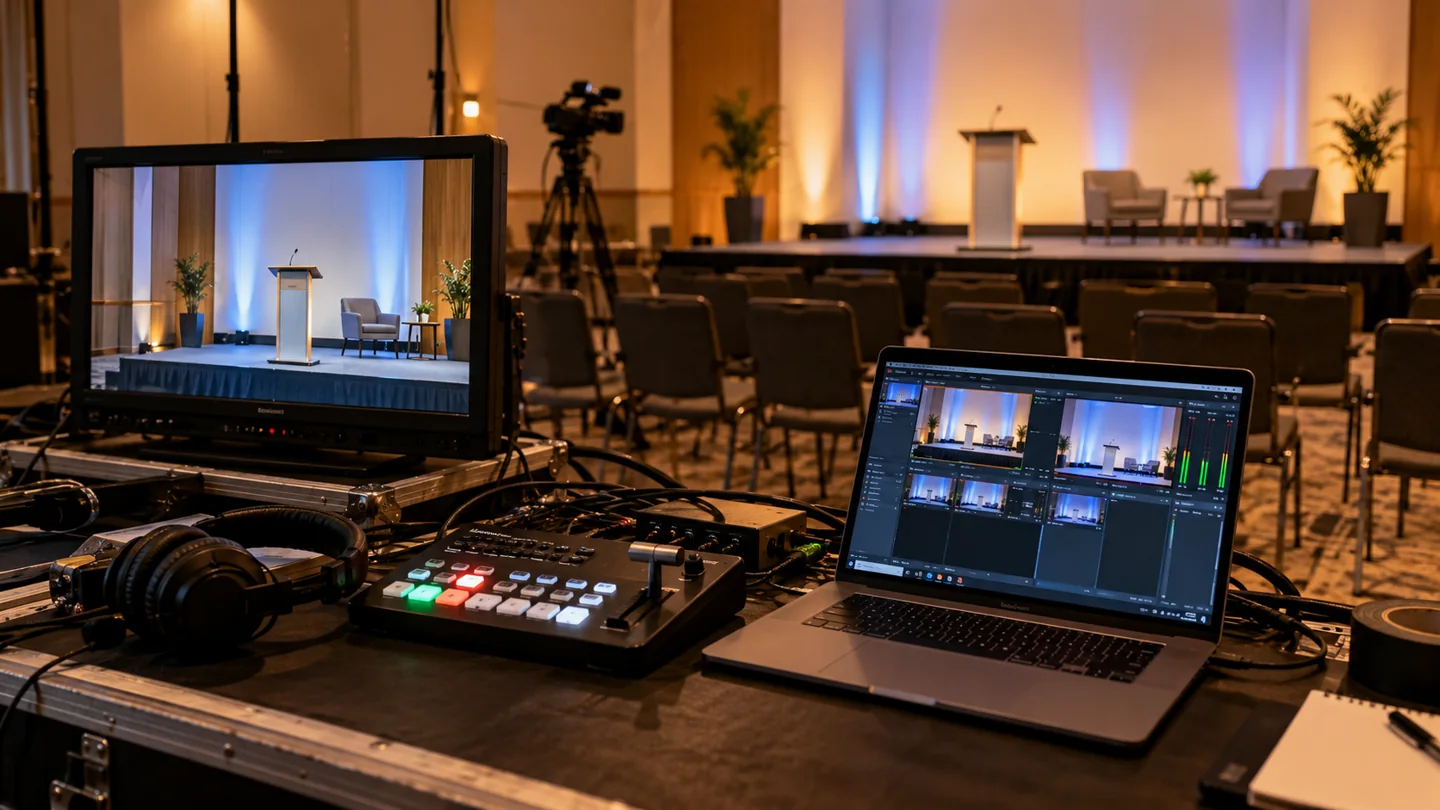
A corporate live stream technical brief should identify the audience and platform, the people responsible for each part of delivery, the actual connection test, the rehearsal and the response to a failure. Define the recording and later editing separately. A camera plan alone does not establish that remote viewers can enter, hear and follow the event.
Use this guide to brief your selected streaming operator, venue team and internal IT owner. Confirm their capabilities and scope directly. It is a planning resource, not a statement that Bolt supplies live-streaming operations. For the surrounding content assignment, start with the video production brief.
Name the audience experience before choosing equipment
Describe who will watch, how they receive access and what they should be able to do. An invited employee audience, a public presentation and a session with audience questions create different planning decisions. Identify the platform owner who can confirm the available features and access settings.
Write down the viewer’s route from invitation to playback. Name who checks that route and who handles an attendee who cannot join. Avoid leaving the production crew to discover account or access restrictions during the rehearsal.
Keep the communication objective visible. A technically successful transmission can still leave the remote audience unable to understand an unreadable slide or an unexplained demonstration.
Test the connection with the proposed setup
Give the venue and IT owner the proposed location, schedule and technical contact. Ask the streaming operator to define the connection and equipment tests needed for that setup, including how the event’s other network use will be considered.
YouTube’s encoder guidance recommends checking upload speed, matching quality to the connection, testing representative audio and movement, and monitoring stream health. Use the current documentation for your chosen platform rather than copying settings from an unrelated event.
Record the tested setup, date, responsible person and unresolved issues. A speed-test screenshot alone does not demonstrate the complete camera-to-viewer path. Rehearse that path using the proposed equipment and viewing experience.
Make responsibility visible in the run of show
For each important transition, name who cues the speaker, changes the picture, starts a presentation and monitors the audience output. Identify who speaks to remote presenters and who can resolve platform or venue issues.
For a hypothetical product announcement, the briefing might assign one person to cue the demonstration and another to monitor whether viewers can see and hear it. The exact staffing belongs to the selected delivery team. What matters to the buyer is that the assignment is explicit and feasible.
Agree how late changes reach the operator. Keep the current run of show distinguishable from earlier versions, and confirm which changes require another test.
Rehearse the difficult transitions
Include the opening, speaker handoffs, presentation playback and any audience interaction in the rehearsal. Ask a designated reviewer to watch as an attendee, checking intelligible sound, visible detail and the route into the session.
Identify who prepares and checks any live captions or other accessibility provision. Our caption delivery guide covers the related review and asset decisions for finished videos. Live caption provision needs its own platform, provider and rehearsal checks; a caption file for an edited recording does not settle the live requirement.
Keep a short issue list with an owner and a retest decision. A rehearsal is useful when it changes what the team does before the audience arrives.
Agree the response to a failure before going live
Ask the operator which fallback options are actually included and tested. Discuss what happens if the connection, presentation source or remote contribution becomes unavailable. Name who decides whether to pause, switch to an agreed alternative or end the session.
Confirm who communicates with viewers and what they will be told. Do not describe a backup as ready merely because spare equipment is in the room. Have the responsible team explain the changeover and its limits.
Separate the live delivery from the recording handoff
Confirm whether recording is included, what material will be available, who checks it and how it reaches the editor. Specify any separate presentation assets, approved names, review restrictions and desired later outputs.
The event video planning guide covers footage intended for later campaign use. Continuous event coverage and an edited standalone piece need different decisions. Discuss later deliverables with the video editing team rather than treating them as automatic consequences of streaming.
What proves the brief is ready?
Named owners, a defined audience route, a tested setup, rehearsal findings with resolved actions and an agreed failure response. Keep that evidence with the current run of show. An equipment list or platform booking is only part of the preparation.
Email brian@boltworldwide.com about the filmed content and edited deliverables around your event. Confirm live-streaming scope and responsibility separately with your selected operator.