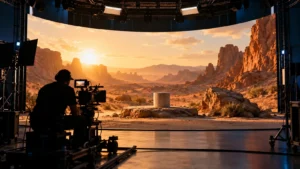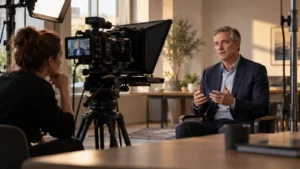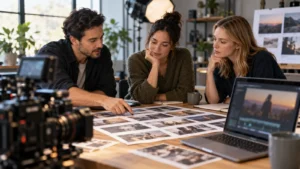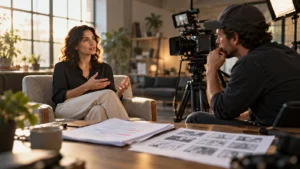
Choose an LED virtual production stage when the planned scene benefits from a digital environment visible during filming and the team can prepare that environment before the shoot. Consider green screen when the background needs a separate compositing workflow, or a real location when the actual place and activity matter. Ask the production team to compare the specific shots, preparation and finishing work before choosing.
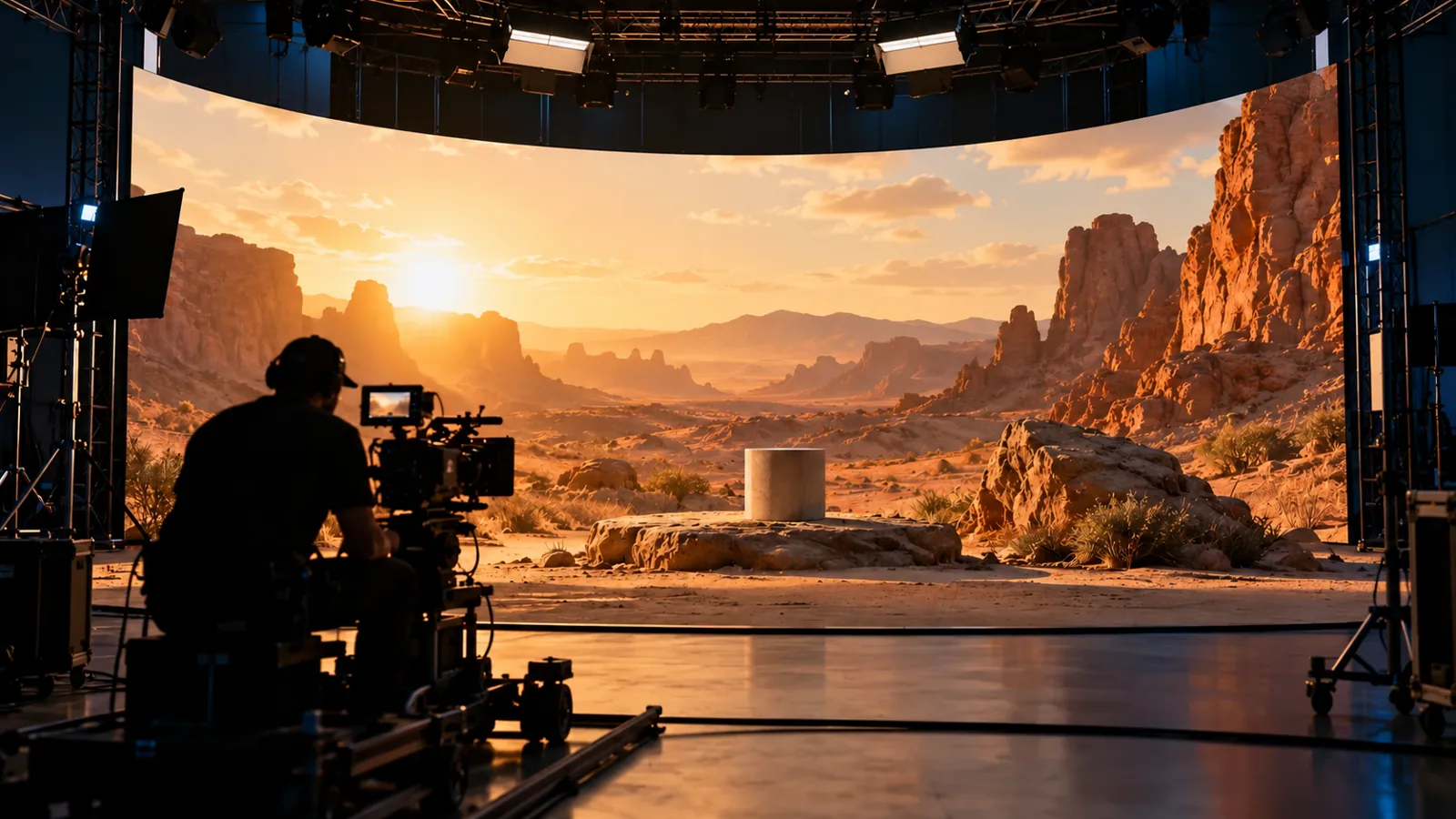
Illustrative generated image. This scene does not depict Bolt personnel, facilities or client work.
An LED wall is not a universal shortcut or a promise of lower cost. The buyer’s decision is about where the scene will be created, which decisions must be settled early and what can still change afterward. A convincing background alone does not answer those questions.
Start with what the shot needs to show
Describe the action, people, products and environment before naming a studio technology. Does the viewer need to see a real working process? Is the setting a deliberately fictional world? Must the camera move through a large area, or does the scene use a controlled viewpoint? Give the producer enough detail to assess the shot rather than requesting a wall because a reference looked impressive.
A real location can provide the actual setting and activity the story needs. It also brings access and practical conditions that must be checked. Use the location readiness guide to separate a promising place from confirmed permission and a workable production plan.
Understand where the background becomes part of the picture
An LED-stage approach can photograph the displayed environment together with the physical foreground. In a green-screen workflow, the background is typically combined with the subject through compositing. Neither description establishes what every shot will look like or how much finishing it will need. Have the team explain which elements are intended to be captured in camera and which remain a post-production assignment.
Epic Games’ in-camera VFX overview describes a tracked setup in which the rendered camera view responds to camera movement. It also explains how surrounding LED imagery can contribute light and reflections to the physical set. Ask whether the proposed stage uses that tracked approach or a different background method. The phrase virtual production does not specify the whole workflow.
Approve the environment before the filming date
If the background is meant to appear in the recorded picture, its design becomes a shoot dependency. Identify who creates it, which assets they need and who approves its appearance. Review the intended viewpoint, scale, brand details and relationship to the action. A digital world still needs a defined creative assignment.
Agree which decisions a preview can settle and what needs a stage test. An attractive image on a laptop does not establish that the planned camera, lens, lighting and subject will work together on the day. Use the storyboard review guide to connect approved frames with the meaning and sequence of the film. Keep the environment version attached to the relevant shot plan.
Include any permissions needed for supplied artwork, photography or other background assets in the company’s review process. Do not assume that an image found online can become a production backdrop. Name the person responsible for confirming the material is available for the intended use.
Test the physical foreground against the screen
Ask the production team to assess the actual product, wardrobe, set pieces and intended lighting together. Reflective surfaces and important brand colors deserve attention in that test. Review the recorded camera image, rather than judging the stage only by how it looks to someone standing in the room.
Epic’s overview identifies screen and camera relationships that can produce visible artifacts, including moire patterns. It also shows that green-screen and LED techniques can be combined in some workflows. Those are reasons to ask the responsible specialists for a shot-specific test and finishing plan. They are not reasons for a buyer to prescribe technical settings from a general article.
For a hypothetical product scene, a digital landscape might look appropriate until the team checks the product’s reflective finish and its position in the frame. The next step is to assess that exact combination. Do not treat a successful test of an unrelated object as approval of the actual shot.
Ask what a later background change would involve
Distinguish a background changed on the stage before a take from a background replaced after the subject has been filmed. Ask what has been recorded into the image, which supporting materials will be retained and what work a proposed change would require. Agree the answer with the production and finishing leads before the estimate assumes a particular approach.
Avoid describing LED footage as either permanently fixed or endlessly editable. The practical options depend on the material and the planned workflow. Likewise, green screen does not make every later creative change effortless. Ask the team to identify realistic revision boundaries for the proposed shots.
Compare the complete production assignment
Request a comparison that includes environment preparation, stage or location arrangements, physical set work, filming, review and finishing. Identify who supplies each element and where an approval or asset can delay the next step. A studio day price alone is not the full production scope.
Ask who will review the camera image during filming and who can authorize a change to the environment or foreground. If a required reviewer will be remote, confirm how they will see the actual picture and return a decision. Do not assume a review link or monitor arrangement exists simply because the project uses a digital background.
Put these responsibilities in the video production brief. Keep open technical questions visible until the responsible team has answered them. A comparison is useful when it shows what the proposed film needs, rather than declaring one technology best for every project.
Does an LED wall remove post-production?
No. Agree the editing and finishing work the actual project requires. Some backgrounds may be intended as in-camera results; other shots may need compositing or corrections. Confirm the delivery and revision plan before filming, including who checks the final versions.
How should we confirm stage facilities for a project?
Confirm the proposed facilities and team for the specific project. This guide does not state that Bolt owns or operates an LED stage. Stage availability, specialist responsibilities and suitability belong in the agreed production scope.
Email brian@boltworldwide.com with the intended scenes, visual references and delivery needs. Begin with what the pictures must communicate, then compare the location, stage and finishing options with the responsible production team.