Plan video visuals for live event screens by deciding what the room needs to understand, getting the actual display requirements from the event team and assigning each piece a place in the running order. Separate the creative assets from the equipment and people that play them. Review the content in its intended layout and rehearse the cues before calling the package ready.
A film shown during an event has a different assignment from a film made about the event. This guide covers the material the audience sees in the room: an opening sequence, an explanatory animation, a speaker introduction or another agreed screen asset. Our event filming guide covers recorded footage intended for later campaign use.
Give every screen asset a job
Describe the moment the content supports. An opening film may establish the subject before a speaker appears. An animation may explain a process that would be hard to follow from the stage. A holding graphic may identify what happens next. These are possible uses, not a list every event needs to commission.
Write the intended audience response in plain language. Then ask what the picture and words must communicate to support it. Avoid asking for an energetic sizzle reel when the actual requirement is a clear explanation. A strong treatment still needs an understandable role in the program.
Use the video production brief to collect the objective, audience, source material, deadline and review owners. Keep the event-specific requirements with it so the creative team does not have to infer how the asset will be used.
Get the real screen layout before designing for it
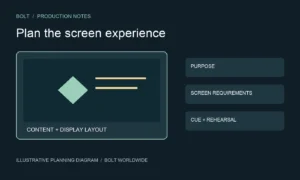
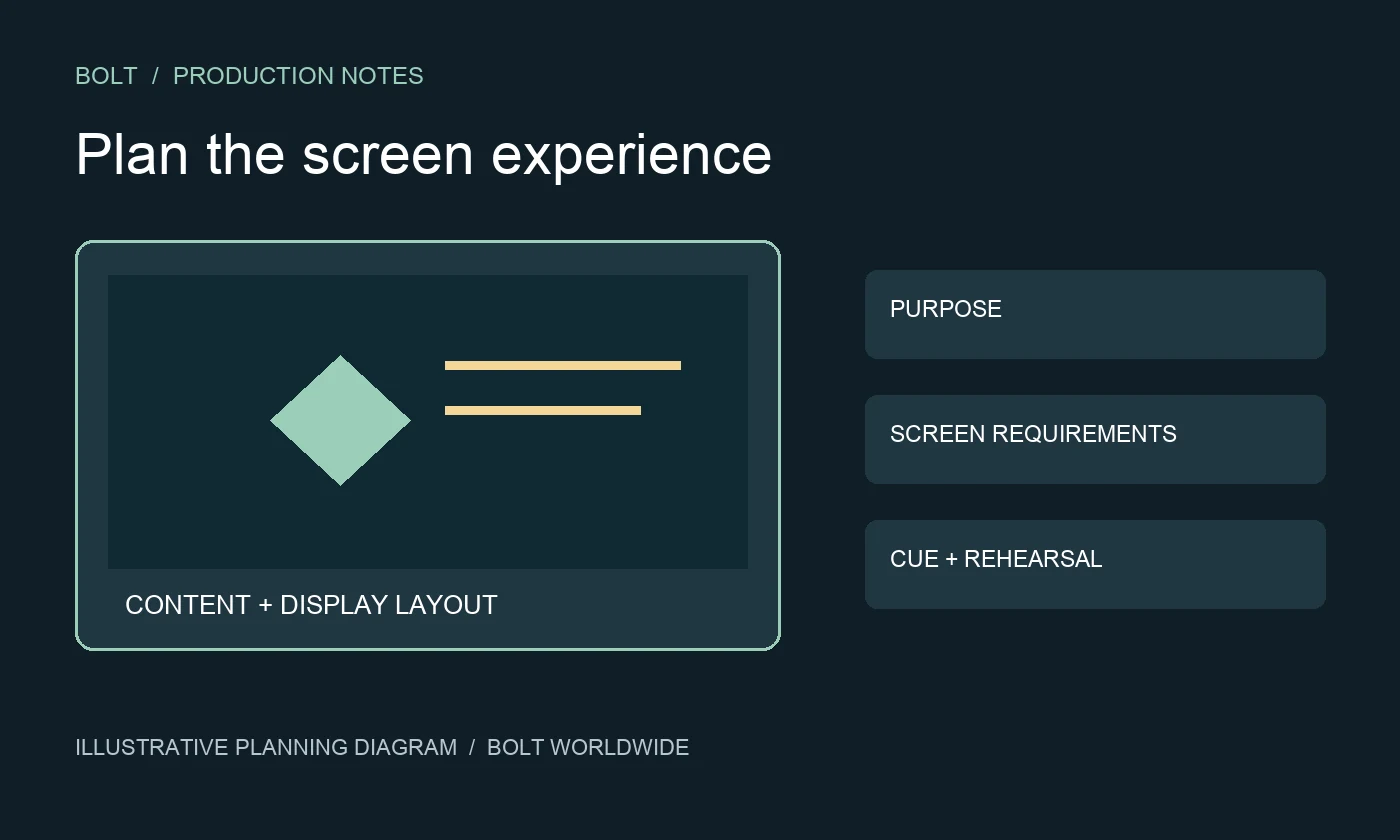
Ask the selected event or audiovisual team for the display layout and delivery requirements. Confirm which surfaces show the same picture and which need different content. Request the intended file specifications, permitted layouts and a named person who can answer technical questions. Do not substitute a generic widescreen assumption for the actual arrangement.
Discuss where essential text, logos and visual detail should sit. Ask the event team how screen shape, placement and viewing positions affect what the audience can see. A design that looks clear on a laptop may need another treatment in the room. Have the responsible team assess that difference rather than guessing from a venue photograph.
For a hypothetical product presentation, an explanatory animation might need a full-screen version while the speaker introduction shares space with a name graphic. Record those as separate requirements if the event team confirms them. Do not assume one finished file covers every surface and moment.
Connect content decisions to the running order
List when each asset begins, what cues it and what happens after it ends. Give the event team an agreed reference for the current version. A descriptive name should distinguish an approved opening sequence from an earlier review cut without requiring the operator to remember the production conversation.
Identify whether a speaker speaks over the content, waits for it to finish or uses it as a transition. Ask who resolves timing changes when the program shifts. The content producer and playback operator should understand the intended handoff even when they are separate suppliers.
Our corporate live stream technical brief addresses the related transmission assignment. If remote viewers also need the screen content, have the selected streaming team define that route separately. Preparing an event animation does not by itself provide live-stream delivery.
Review meaning before finishing movement
Check the words, sequence and important visual relationships before focusing on polish. Verify names, terminology and product representations with the appropriate owner. If the screen content supports a technical explanation, identify which elements must be literal and which are clearly illustrative.
The animation storyboard review guide explains how to review the planned sequence. For event use, add the surrounding stage context: what has the audience already heard, and what will the speaker explain afterward? The asset should not rely on background information that only the internal project team knows.
Ask how the team will review movement, pacing, sound and text readability at a later stage. A static board can settle a story decision without proving that the finished sequence will be comfortable to follow. Name what the review approves and what remains open.
Agree the sound and playback handoff
Tell the event team whether an asset includes music, speech or another soundtrack. Ask how that sound connects with the room program and who checks it. Do not assume the playback operator can infer an intended transition from the file alone.
Confirm who supplies, receives and checks the final files. Ask the operator what rehearsal or playback test is needed and when approved assets must arrive. A shared download link establishes access to a file; it does not prove the intended version has been tested on the event setup.
Keep changes traceable after delivery. If a speaker name or product detail changes, tell the named project contacts, identify the replacement and ask which checks must be repeated. Avoid sending several similarly named files to different people and expecting the correct one to emerge at show time.
What should be checked in the rehearsal?
Check that the intended content appears on the intended display, begins on the agreed cue and hands back to the program as expected. Review important text and sound from an audience perspective with the responsible event team. Record unresolved issues with an owner and a clear decision about retesting.
Ask the operator what the agreed fallback is if a file or playback source is unavailable. The appropriate response depends on the setup and the moment. A fallback should be defined and checked by the people delivering it, not assumed because another laptop is nearby.
What should we send before commissioning event visuals?
Send the program purpose, audience, proposed screen moments, display requirements, references, available material and approval deadline. Identify the event technical contact and distinguish creative production from playback operation in the scope.
Discuss the creative assets with Bolt’s animation and motion graphics team. Confirm any event operation, installation or streaming responsibilities separately with the selected suppliers. Email brian@boltworldwide.com with the event brief and the screen content you need to prepare.