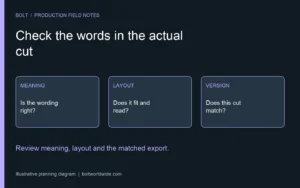
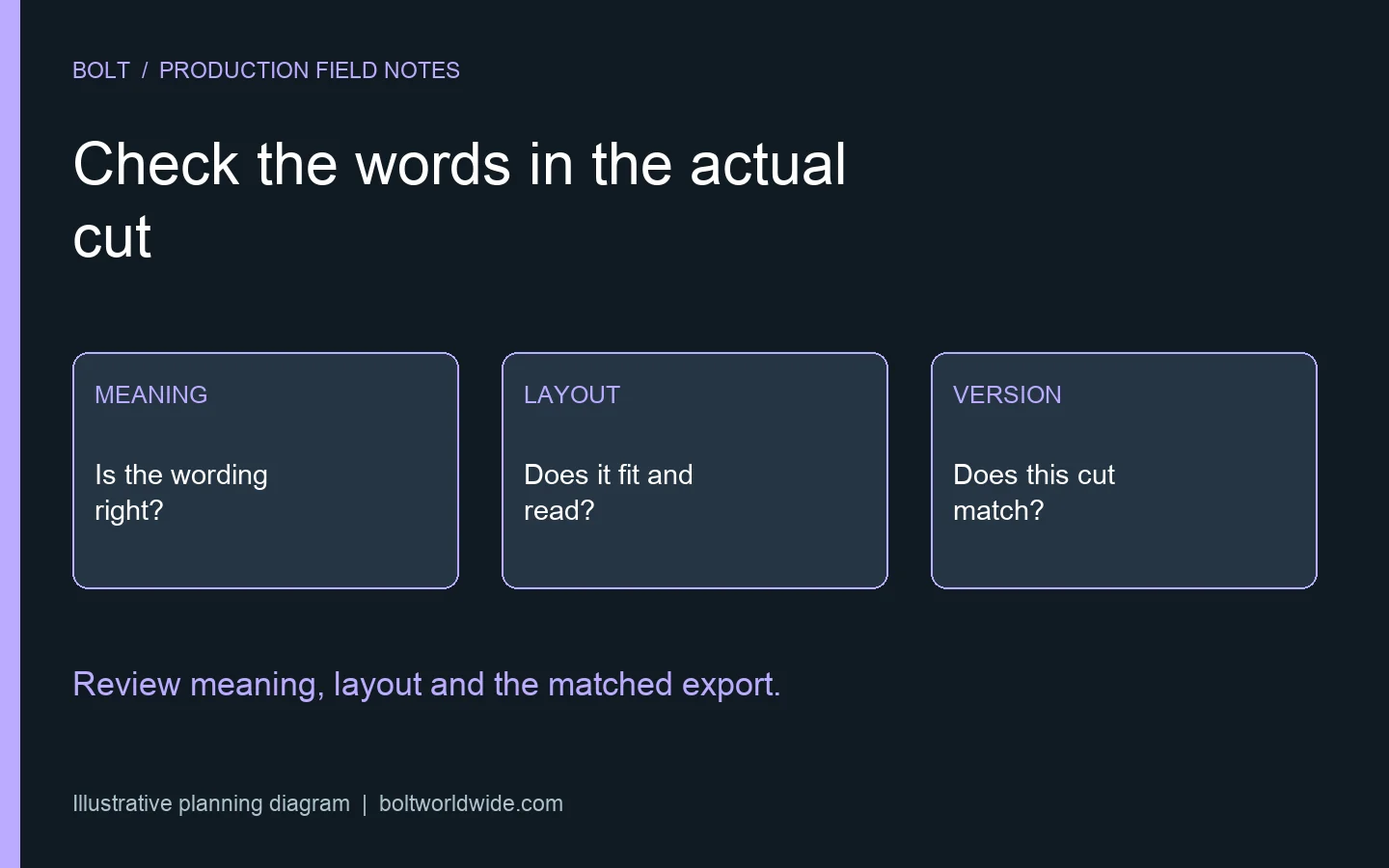
Review localized video graphics in the actual video, with an approved language reference and a reviewer who understands the target audience. Check what each title, label and call to action means, whether it fits and remains readable, and whether it matches the pictures and spoken message. Approve a specific language version rather than assuming a translated text document proves the finished cut is ready.
Our video localization guide introduces adaptation for different markets. This checklist addresses a narrower production checkpoint: accepting the on-screen graphics after translation has been placed into the edit. Caption format and player checks are covered separately in the caption delivery guide.
Who should review the language in the finished video?
Name a reviewer who can assess the wording for the intended audience and a company contact who can verify product terms, claims and calls to action. Make clear who resolves disagreements. Fluency, product accuracy and brand approval may involve different people, so give each reviewer a defined responsibility.
Send the actual cut with its version identifier and the approved language reference. A spreadsheet of translations cannot show everything a viewer will see. Ask the reviewer to assess the wording in its scene and note where a decision needs another specialist. Do not ask the editor to settle a disputed translation by choosing whichever phrase fits the box.
Which on-screen elements need to be checked?
Create a list that includes titles, speaker names, role descriptions, diagram labels, product screens, disclaimers and calls to action. Identify text visible inside the footage as well as graphics added later. A translated headline can coexist with an unchanged screen recording or an outdated end card unless someone deliberately checks the whole frame.
Connect each item to an agreed source and a location in the cut. For a hypothetical product demonstration, the graphic naming a feature and the interface showing it should refer to the same approved term. If the product itself uses a different localized label, ask the product owner how the video should explain that difference.
Does the wording fit without losing meaning?
Watch for clipped characters, awkward line breaks and text reduced to a size that is difficult to read. The World Wide Web Consortium’s text-size guidance explains that translation changes text length and that writing systems can have different layout needs. Do not assume an English graphic’s dimensions will work unchanged for every language.
Discuss layout adjustments with the graphics team and have the language reviewer assess any proposed shortening. The aim is to preserve the intended meaning in a usable presentation. Replacing a phrase with an unfamiliar abbreviation merely to fit the existing design may introduce a new problem. Review the revised graphic again rather than treating it as a purely cosmetic adjustment.
Is the information readable for the time it appears?
Play the sequence at normal speed with the actual sound and surrounding pictures. Ask whether the viewer has enough opportunity to understand the important information before the next idea arrives. A title that is readable in a paused screenshot may be difficult to follow when another message is introduced immediately.
Record the specific moment and explain whether the difficulty comes from wording, layout, movement or the amount of information. Ask the production team to propose a solution that fits the sequence. Keep essential conditions connected to the statement they qualify. Do not turn a language review into a request to remove important information simply to preserve the original timing.
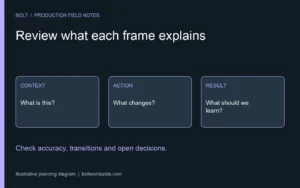
Do the graphics agree with the sound and pictures?
Compare on-screen names, terms and instructions with any translated narration or subtitles. Check whether the viewer is asked to follow one label while another appears in the product demonstration. Flag changes in meaning even when each component looks individually plausible.
Use the animation storyboard review guide when the issue traces back to the visual explanation itself. In a finished localized cut, identify which source component needs correction so the team can update the appropriate graphic, recording or edit. A general note that the translation feels wrong does not establish where the mismatch begins.
Is the call to action right for this audience?
Verify the destination, contact information and next step with the person accountable for that market. Ask whether the offer and supporting page are available to the audience receiving this version. Treat a changed product statement or market-specific requirement as a review question for the appropriate company specialist, rather than a translation decision for the production team alone.
The World Wide Web Consortium’s localization overview describes adaptation as involving language and cultural or other local requirements. Use that broader perspective to ask informed questions. It does not establish that a production checklist certifies a particular offer or statement for every market.
How should corrections reach the editor?
Send the exact approved replacement wording, the cut identifier and the location of the item. Explain whether a note corrects meaning, confirms a term or requests a visual adjustment. Include necessary reference material and identify who will approve the correction. Keep open questions separate from agreed replacements.
The editing handoff checklist covers organizing the underlying assets. For language revisions, extend that discipline to the actual strings and graphics supplied for each version. Avoid filenames that leave the editor guessing which correction supersedes an earlier one.
What belongs in the final version check?
Compare the revised export with the correction list and verify the intended language in the actual file. Check shortened versions independently when they contain different text or a different ending. Make sure the receiving team can distinguish approved exports from previous review files and knows which destination each one serves.
Bring graphics and version questions to Bolt’s post-production team. Identify the language reviewers and delivery requirements alongside the creative request. Keep final acceptance attached to the export that was checked, so approval does not drift back to a document or earlier cut.
Can one translated script serve as final approval?
It can provide an approved language reference. It cannot show whether the finished layout clips a word, whether a label matches the pictured interface or whether a different version was exported. Review the document and the actual video as connected but separate checks.
What if a reviewer finds a new factual claim?
Pause approval of the affected element and ask the accountable company reviewer to verify it. Translation and layout changes should not quietly introduce a stronger promise than the approved source. Resolve the wording, update the relevant component and check the revised export before treating that question as closed.
Email brian@boltworldwide.com with your source video, language versions and review contacts. A useful localization review checks the message a viewer actually receives, not just whether every text field has been filled.