Before a creator records the rest of a batch, review one representative clip from the agreed assignment. Check whether the viewer can see the key action, whether the creator’s words match what they show and experienced, and whether the original file works in the edit. Give a clear decision about what to keep, what to change and whether you need another sample before filming continues.
Pick a sample that tests the hardest part
Choose a moment that the editor will actually need. If the assignment is a demo, ask for the action and its result in the same sample. If the creator will speak while handling the product, include that moment so you can hear how it sounds while their hands are busy. Agree on the sample as part of the assignment and explain what decision it will help you make.
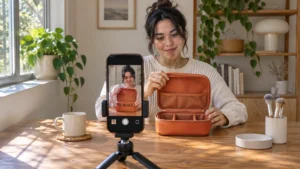
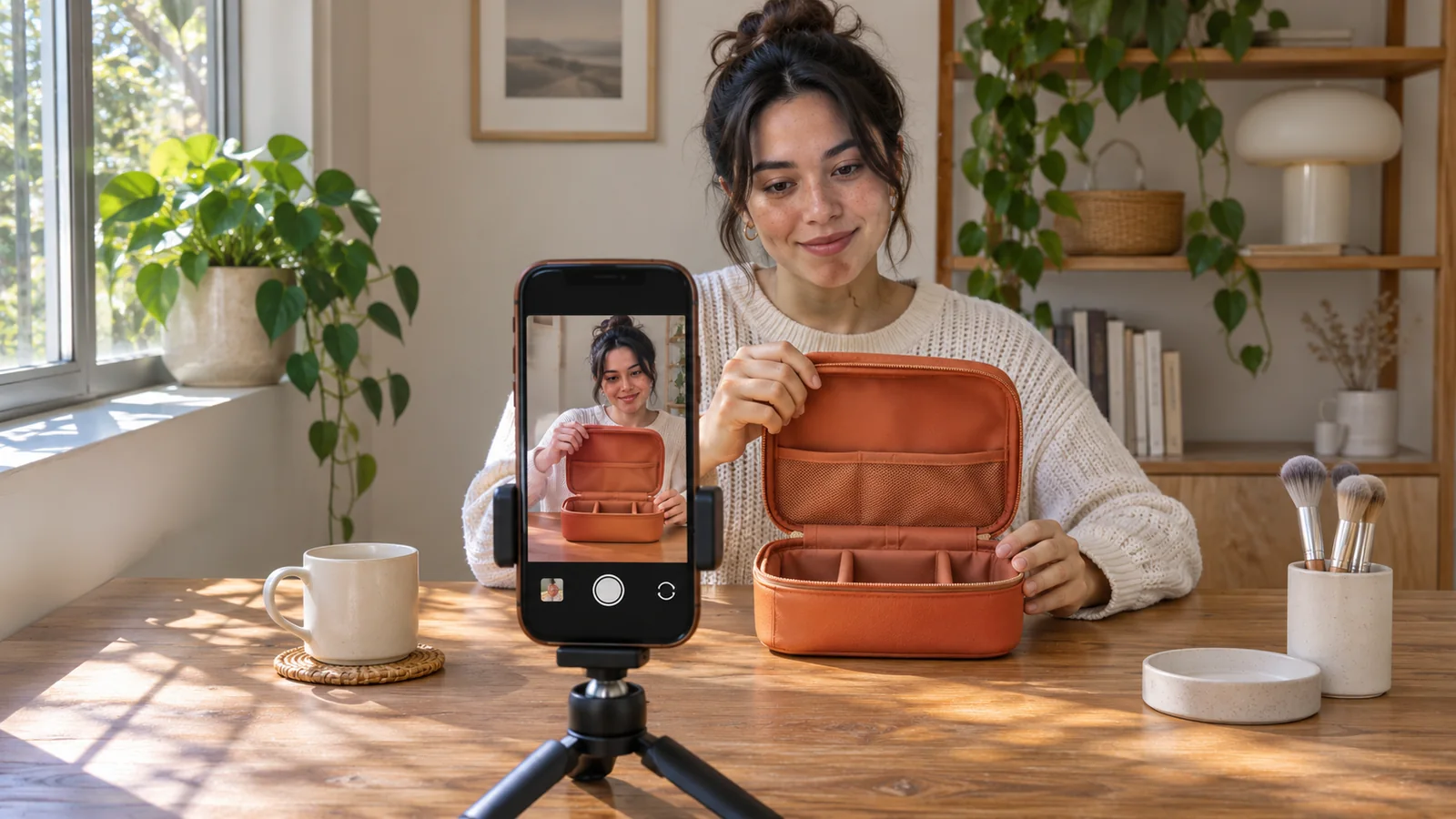
Suppose the clip shows how a travel case opens. The first sample might have a clear opening line and a good view of the case, but the creator’s hand hides the zipper pull. Ask them to keep the delivery and move the camera so the zipper pull and the open case stay visible. Ask for a short check of that adjustment before they repeat it across the batch. A broad note about making the video look better would give them less to work with.
Check meaning as well as picture and sound
Watch the clip at the size the audience is likely to see it. Check whether the product stays in view and the action makes sense on its own. Listen for any words that get lost under handling noise. If the creator describes a result, check that the wording reflects their actual experience and that the visual does not suggest something stronger. Clarify the point together in words the creator can say truthfully.
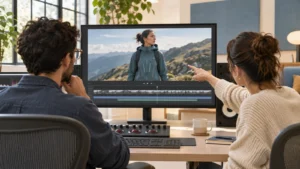
Have the editor open the original file. Confirm that its orientation and framing leave room for the intended edit and that there is usable footage before and after the key action. If the batch will supply several edits, look at what those edits are meant to test. Bolt’s guide to planning social video creative variations can help you decide which moments the sample needs to cover.
If a later edit needs a detail this sample cannot show, name that missing shot now. For the case, the editor might need a closer angle on the zipper pull as well as the wider take that shows the case opening. Put that request in the filming notes so the creator knows which shot to add.
Give the creator a clear next step
Send one set of notes tied to the sample. Say what worked and should carry through the batch. Describe the change in concrete terms, then say whether the creator can continue with that change or should send a fresh sample first. A check on a hidden zipper pull needs the corrected action, rather than another review of parts everyone already approved.
Keep the filming decision separate from release review. A sample can show that the setup works while the final edit still needs a check for meaning, readability and how it appears in the intended placement. If you are preparing a paid social version, use a separate check for app overlays on the finished video.
If you’re planning how creator footage will fit into a larger shoot or edit, see Bolt’s video production services or send the brief and the footage you need to brian@boltworldwide.com.