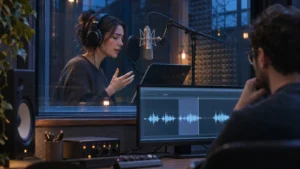
Try cleaning up video dialogue when the original words are present and a short test makes them easier to understand while preserving the voice. Check alternate recordings first. If an important word is missing, obscured beyond a usable repair or needs approved new wording, consider recording the line again. Compare the result against the surrounding sound and picture before approving the fix.
Find the source of the problem before choosing a fix
Send the editor the cut version, the approximate time and what you hear. “The product name disappears under a sound at the end of the line” points to a specific problem. “The audio is bad” leaves the team to guess which part of the mix needs work.
Ask the editor what original material is available. A separate microphone track, another take or the same words captured cleanly in a nearby setup may offer a workable option. Listen to any alternate in the actual sequence. It should preserve what the speaker meant and fit the visual performance. An alternate answer that changes the speaker’s point needs a different editorial decision.
If you are still gathering media, Bolt’s editing handoff checklist explains how to send original recordings and notes to the editor. A reference export helps identify the moment. The individual source files give the editor more options to test.
Review a short repair in the actual cut
Ask for a sample of the original and the proposed repair around the problem line, with the same neighboring sound for comparison. Play them at comparable levels. Listen for the important words and whether the voice changes character as it moves into and out of the repaired section. Then listen with the music and other elements that will accompany it.
The Audacity noise reduction manual describes how its tool can reduce some steady sounds and why a satisfactory result can be difficult when noise is strong, variable or similar to the speech. Use that distinction to frame a test. A steady fan behind an otherwise clear line presents a different problem from another person speaking over the word you need.
Imagine a fictional product video where a presenter says a model name over a low hum. If the name stays intelligible and the repair blends into the adjacent lines, the original performance may be the right choice. If a sudden sound masks the name entirely and no alternate take works, the editor can show the limitation before you decide whether to record a replacement.
Plan a replacement around the picture and performance
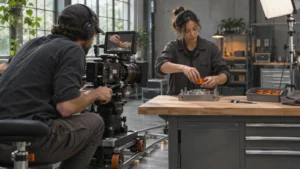
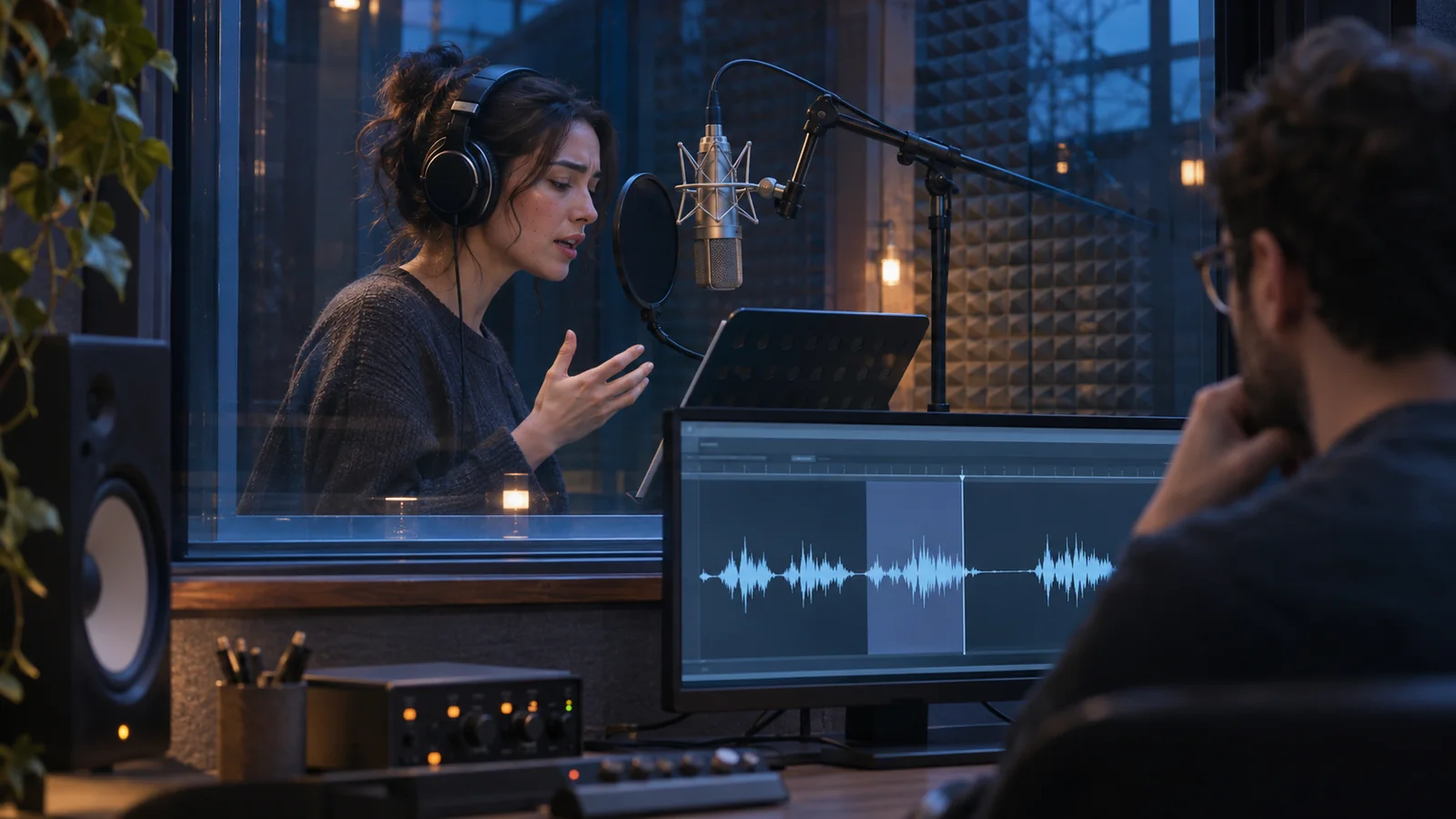
Give the producer the approved wording, the cut reference and enough surrounding audio to hear the original delivery. If the speaker’s mouth is visible, the replacement needs to fit the timing and performance on screen. If the words play over supporting footage, the team may have more room to fit a new read. In both cases, listen for changes in level, voice character and the sense of the room when the new line enters.
If the line was scripted, route changes in wording through the person who owns the claim. If the material is a real interview, preserve the speaker’s meaning and review any new recording with them. A fix for a missing word should never be used to make an interviewee appear to say something they did not agree to say.
Bolt’s overview of what happens in post-production introduces dialogue replacement as part of audio finishing. If changing the line also requires a different visible performance, use the guide to deciding whether to film after the first cut to scope the picture question separately.
What should the brand approve?
Approve the proposed line in the current cut, including the lead-in and the next line. Confirm the words are understandable, the meaning is accurate and the result fits the picture. If more than one version uses the line, identify which exports need the fix and check their captions against the final wording. Keep the original recording and note which option was accepted so the next edit starts from the right material.
If you have a difficult line in an existing cut, send the cut reference, exact moment and available source audio to Bolt’s post-production team at brian@boltworldwide.com.