Before approving a paid social video, preview the exact export in the placement where it will run. Turn on the caption, call to action and other controls the media team intends to use. Watch for any point where the app covers a word, a product detail or an action the viewer needs. Send the editor the placement, version and moment that failed so they can fix the specific problem.
Start with the placement settings
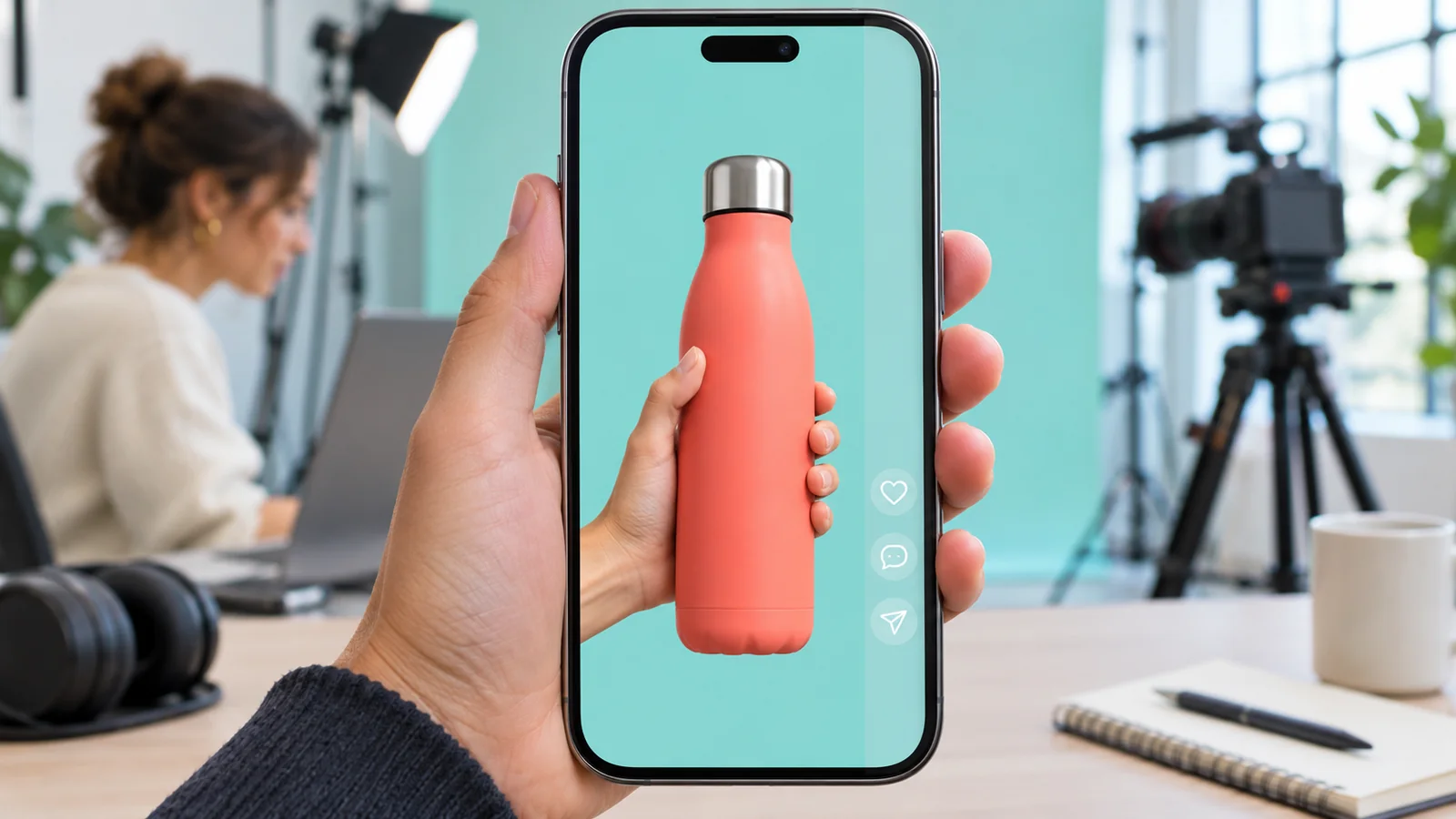
An export can fill the screen correctly and still be hard to read. The video frame defines the space available to the editor. The app may put labels, buttons and other controls over that space. Those elements can appear near the edges or extend into a part of the picture the edit uses. A clean full-screen playback in an editing suite will not show that interaction.
Ask the media buyer to confirm the placement and share its current preview instructions. For example, TikTok’s reservation in-feed guidance says the available area can vary with the video dimensions, the length of the ad caption and any interactive additions. It recommends previewing the result. Use the guidance for the placement you are buying, since a different layout can cover a different part of the same vertical export.
If the shoot is still ahead, flag the important actions and words in the brief. Bolt’s guide to planning vertical and horizontal coverage addresses the earlier question of whether those formats can share a camera setup. This check happens when you know how the intended placement will display the finished work.
Name the details that have to remain visible
Watch the clean export once and identify what the viewer needs to see at each important moment. A product in the middle of the frame can draw the eye while the action that explains it happens close to an edge. The same applies to a speaker’s name, a diagram label, an offer condition or the last word in an instruction.
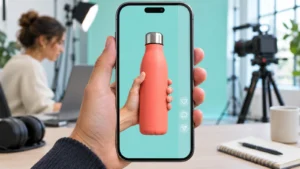
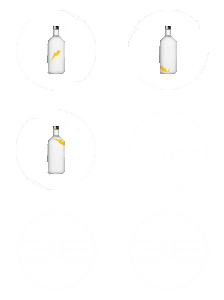
Imagine a fictional product video where a hand flips a bottle’s cap to show how it locks. The cap sits in clear view at the start of the shot, but the hand moves it toward the right edge. In the placement preview, an app button covers the lock just as it closes. The frame is the right shape, and the bottle is visible throughout. The spot still misses the one action the viewer was meant to understand.
Mark the moment the action starts and where it ends. Then review the sequence at normal speed on a phone-sized display. Freezing the last frame can reveal what overlaps, but playback shows whether the viewer had enough time to make sense of the action before anything covered it.
Check the text supplied by both the editor and the app
Distinguish the copy the media buyer enters in the placement from the captions that represent speech. The ad copy can change how much space the placement uses. The video captions may be part of the picture or supplied separately, depending on the workflow. Check both in the configuration you expect to run. Use Bolt’s caption delivery review guide to keep that check tied to the actual export and caption file.
Pay particular attention when a shorter edit puts words and a product action on screen at the same time. Moving a label out from under a button could make it cover the demonstration instead. If the issue is a qualification next to a claim, give it enough space and time to remain readable. Ask the brand reviewer to approve any wording change.
Send notes the editor can act on
Record the filename, destination, approximate time and what is covered. A screenshot helps the editor see the conflict. Write what the viewer needs to see rather than prescribing a move that might cause another problem. In the bottle example, the useful note is that the cap’s lock needs to stay visible through the movement. The editor can try a tighter view of the action or reposition it within the vertical frame.
If you are running several social creative variations, check each one whose layout or placement configuration differs. A preview of one opening does not confirm that a different shot or longer caption will read the same way. When a single layout works across the planned destinations, keep one export. When a destination needs a different layout to preserve the meaning, name and review that version separately.
When should the preview be checked again?
Recheck after any change that can affect what the viewer sees, such as a new export, longer placement copy or an added button. Keep the final approval tied to the file and placement settings that were actually reviewed.
If you are briefing a production team for a social campaign, send the placements, intended versions and the details viewers need to see to brian@boltworldwide.com.