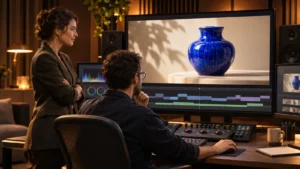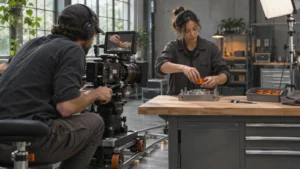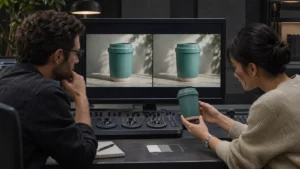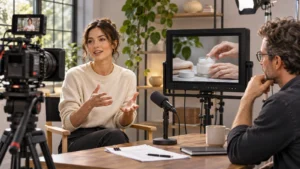
Use an uninterrupted shot when viewers need to follow an action from a specific starting condition to a visible result without losing sight of what changes. Use edited angles when people need a closer look at details or when the waiting between steps adds little. Put that choice in the brief before the shoot so the crew can rehearse the complete action and plan the extra coverage the edit may need.
Decide what the viewer has to see happen
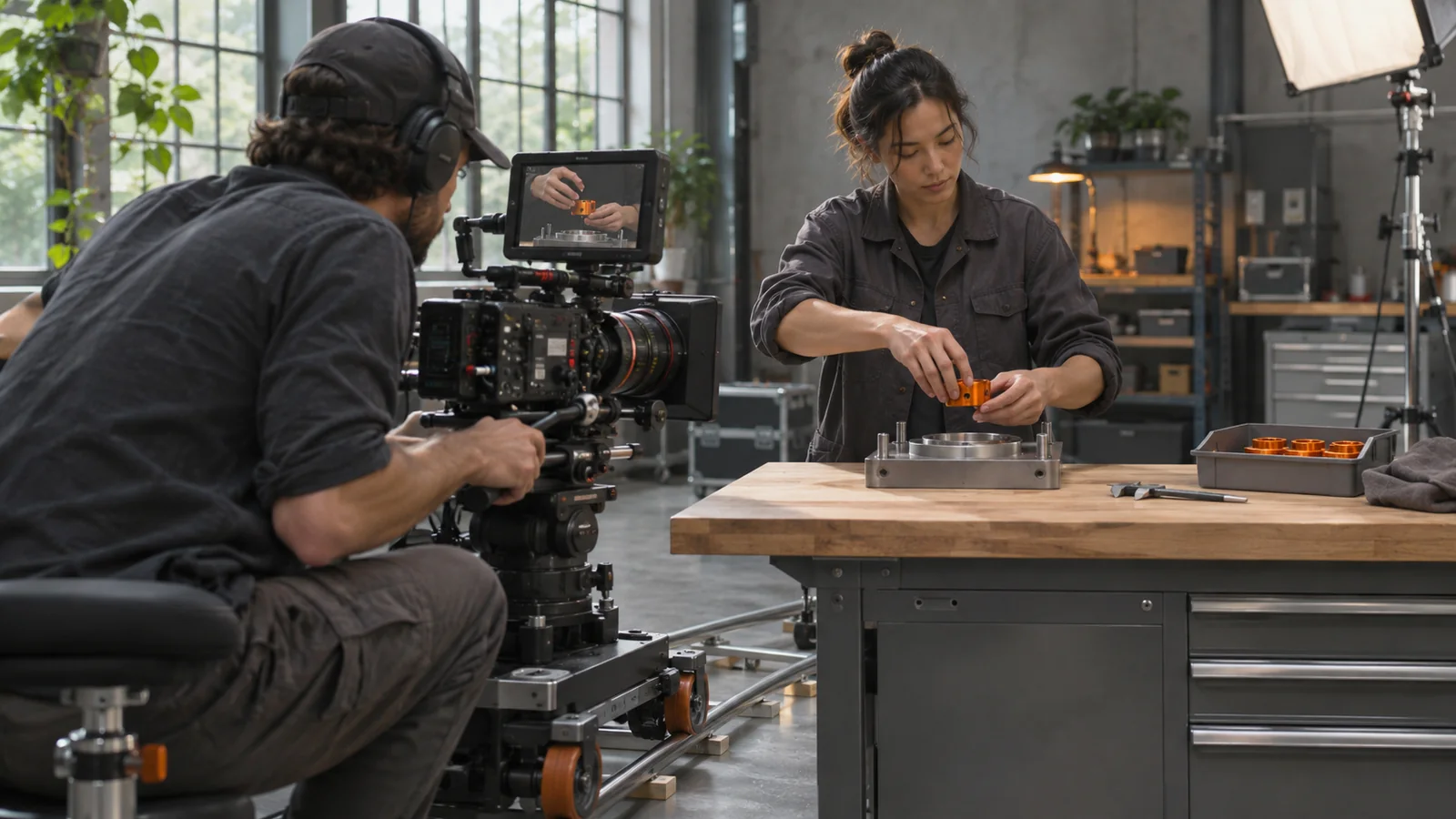
Imagine a film about a manufacturer that wants to show how a component locks into a fixture. If a buyer needs to understand whether the operator can seat the part and engage the lock in one motion, the camera should hold long enough to show the part approaching, the hand turning it and the lock settling into place. The viewer also needs a clear view of the fixture before the part goes in. If the hand covers the lock, an uninterrupted shot still leaves the main question unanswered.
Now suppose the useful question is which way the part faces before installation. A close view of the markings followed by a wider shot of the operator can communicate that more clearly. The whole assembly could happen continuously on set and still benefit from an edit that directs attention to the right detail.
The same distinction applies to a service or process. If a viewer needs to understand a handoff, keep both the action and its recipient visible. If the goal is to explain several checks that happen over a shift, show the checks in a clear sequence and make any passage of time apparent. Bolt’s guide to planning a product demo around buyer questions can help choose the question before the crew decides how to cover it.
Define the part of the action that stays together
Give the producer a start and an end they can identify on set. “Show the part going in” leaves room for a cut just before the result. “Start with the empty fixture visible and hold until the lock engages and the operator lifts their hand” gives the director, camera operator and editor the same instruction.
Name the things that need to remain visible. The audience might need to see the operator’s hands, both sides of the fixture or the result beside the original condition. A moving camera is useful if it reveals something the viewer needs. A fixed angle may show the sequence more clearly when the action is small or when several reference points have to stay in view.
In a treatment review, ask the team to describe the shot in the order the audience will see it. If they cannot explain where the camera is when the important change happens, a short previsualization or blocking test can resolve the question before the full setup is in place. You may be able to evaluate the angle using the actual object and a rough recording. If you are reviewing Bolt’s director portfolios for visual references, point to the specific moment a camera move reveals something and ask what a comparable move would need to show in your film.
Plan the reset and the backup coverage
Ask what needs to happen between attempts. An operator can often repeat a simple motion. A material that is mixed, cut, sealed or peeled away may change after every attempt. The team should know which items can be reset, which need replacements and which take should be protected because it is difficult to repeat. Bolt’s guide to preparing product samples before filming covers the condition and replacement details behind that decision.
For an important action, consider recording a complete take and then filming the details the editor may need. Agree whether those detail shots are for a separate explanatory cut or can appear inside the main sequence. If the uninterrupted view is central to the explanation, record enough lead-in and follow-through to use the shot cleanly. Put the close-up before or after that protected moment, or use it in a separate version.
If a cut is suitable, make it easy for the editor to connect the action. The camera can move from a wider view to a closer one as the hand turns, with the motion carrying across the edit. Check that the object’s orientation and the operator’s movement agree across the views. The goal is a sequence the viewer can follow without having to work out what changed between shots.
Review the result the way a buyer will see it
Watch the key moment at the size it will actually appear. A lock that reads clearly on a production monitor may be difficult to see in a smaller embed. Ask someone who did not attend the shoot to describe what happened before you explain the point to them. If they miss the result, try a different angle, a closer framing or a brief explanatory detail. If they infer a duration or condition the video does not establish, check what the cut or the accompanying wording led them to assume.
A continuous view can show what happened in that recorded instance. It cannot establish that the result is typical across users, settings or products. Agree what the scene is meant to demonstrate before it becomes a basis for a broader claim.
Can the same shoot support both approaches?
Yes, when the schedule and setup allow the team to capture a complete action and separate detail coverage. Identify the version that needs an uninterrupted view first. Then identify which other versions can use shorter edited coverage. This gives the crew a clear priority if the action is difficult to repeat.
If you are working out what your audience needs to see, share the action, the intended placement and the detail that is easy to miss with Bolt’s production team. For a production conversation, email brian@boltworldwide.com.