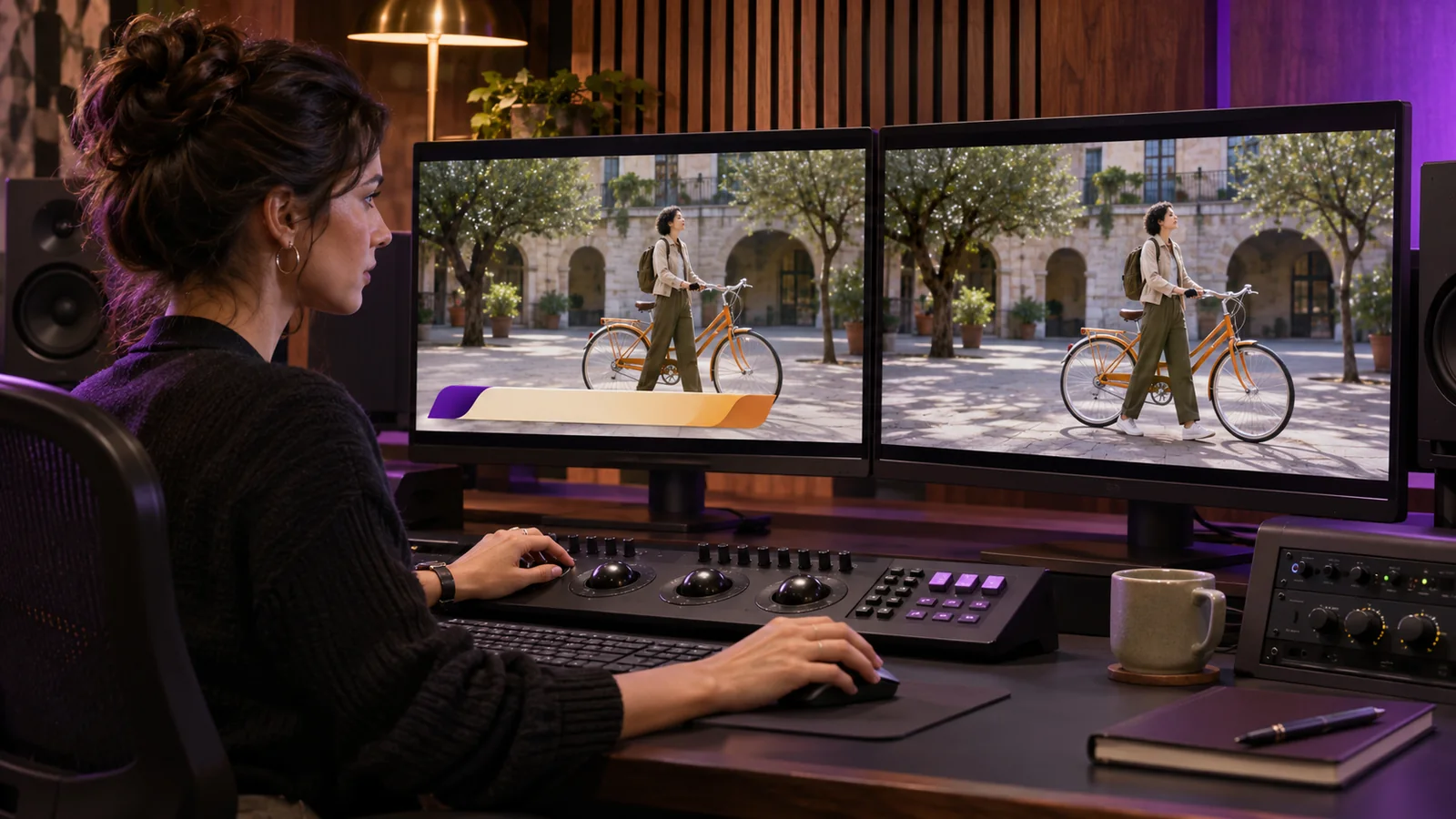
Ask for a textless video master when a future version needs to replace text that was added to the picture, such as speaker names, product labels or a closing call to action. Request a full clean version when changes are spread through the edit. If only a few shots need replacement, ask whether the receiving editor can work with matching clean shots instead. Keep the approved version with text as the reference in either case.
Identify the text that has to change
Start with the parts of the video you expect to revise. A campaign might need different speaker titles by market, a translated animation or a different end card. Put those items on a list with their approximate time and the versions they affect. If the text changes in a short cut as well as the main film, list the two cuts separately.
Ask the editor where the text comes from. An editable title added over footage can usually be turned off in the working project. A logo painted on a wall or wording recorded inside a software demonstration is part of what the camera or screen recording captured. A graphic embedded in a supplied effects shot may also need a separate clean render. Decide which of those details should stay visible and which need new material or a separate treatment.
Bolt’s video localization guide covers the larger decision about what needs to change for each audience. A textless file addresses a narrower problem. It gives the next editor picture they can put approved replacement text onto without covering up the original titles.
Choose a full clean master or individual shots
A full textless master gives the receiving editor clean picture across the length of the approved cut. It can make sense when on-screen wording appears throughout the video or the receiving team needs a continuous picture reference. Individual textless shots can work when the changes are limited and the receiving team knows where each replacement goes. Ask what the team can accept and how it wants those files labeled.
For an example of why the names matter, Paramount’s video requirements distinguish between a texted reference, a version that removes only certain burned-in subtitles, and a textless picture for localization. Those are Paramount’s own program deliverables. Your brand project may use different names or need a different set of assets. Write down what must be removed and what must remain so both teams interpret the request the same way.
Imagine a fictional launch video with a speaker name at the opening and market-specific information at the end. If those are the only graphics that need to change, the receiving editor might be able to replace two clean shots. If diagram labels and product callouts change in the middle as well, it may be easier to work from a full-length version matched to the approved cut. If the video is final and only the optional caption track will change, check the caption deliverables before asking for additional picture files.
Deliver a reference the next team can follow
Send the approved video with text alongside the clean picture. Include a list of the words that need replacement, where they appear, and any creative information the next editor needs to rebuild them. If a title animates onto the screen or tracks a moving object, identify that behavior. Confirm whether templates, fonts or graphic project files are in scope, and ask the responsible team to review whether those assets can be handed over for the intended use.
Compare the clean and texted versions before closing production. Check that they use the same edit and intended framing. If you receive individual shots, verify that each covers the whole period when the original text appears and lines up with the approved cut. Open the files and confirm what was removed. A label in a filename is a poor substitute for watching the affected moment.
Use the editing handoff checklist to keep file versions and ownership clear. Once the new wording is in place, review the localized graphics in the finished cut for accuracy, fit and timing.
Is a textless master enough to make a new version?
It gives the team clean picture. A new version may still need translated copy, graphic assets, the correct audio, or a new shot when the wording was part of the footage. Agree on those materials before the project closes. If only an older final export exists, have the editor inspect it before deciding whether to refresh the video or plan new filming.
If you are planning future versions of a finished film, send the current cut, intended destinations and a list of graphics that may change to Bolt’s post-production team at brian@boltworldwide.com.