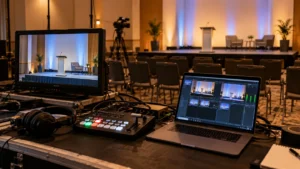
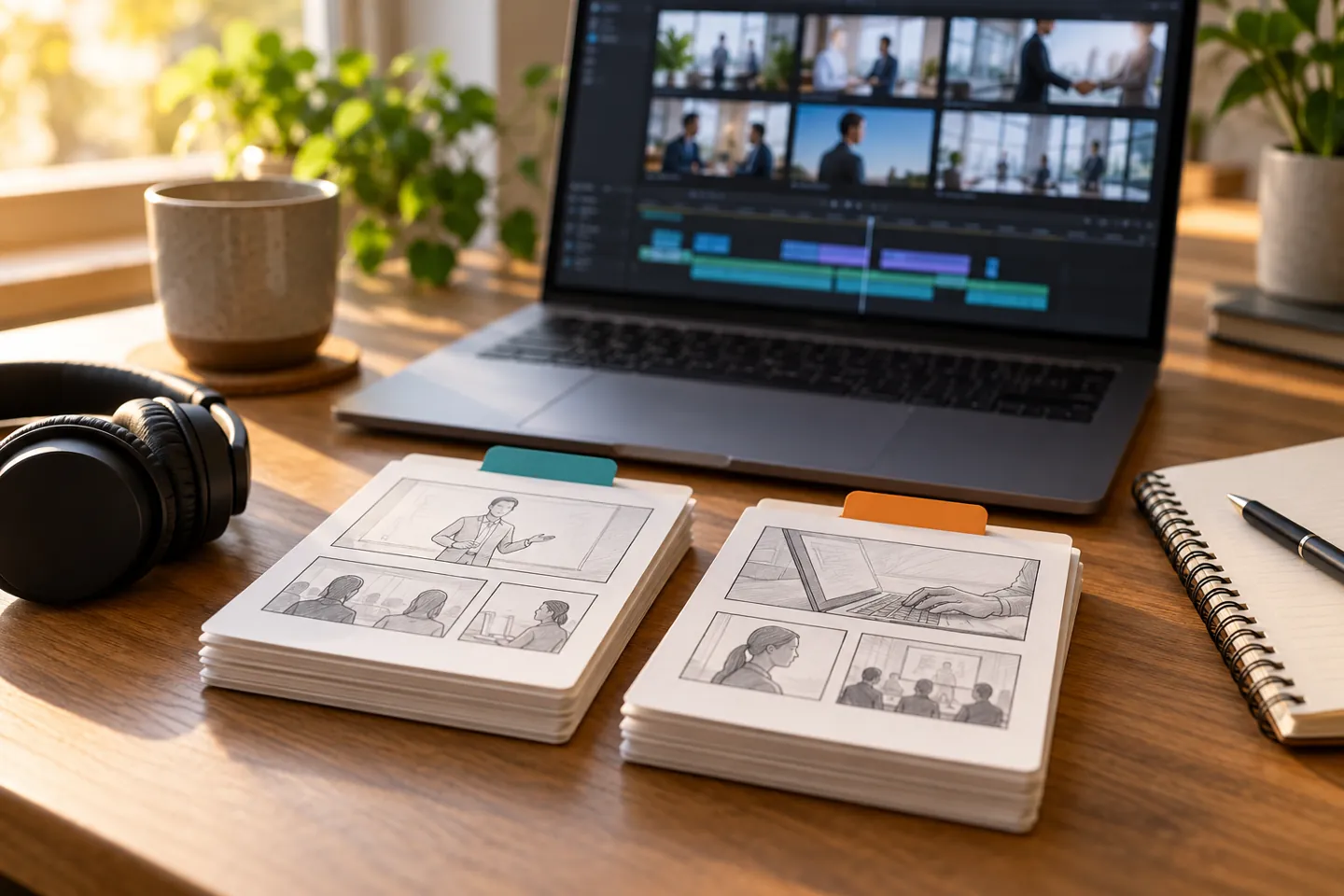
Plan training video updates before filming by identifying which information is likely to change, separating it from lasting explanations and naming the person who can approve each revision. Agree on the editable assets and delivery records the team will retain. Then test how an updated module will replace the version employees actually watch.
This guide focuses on maintaining a video library after launch. Our employee onboarding video guide covers the earlier question of what a new hire needs to understand. Here, the production decision is how to keep that information current without treating every change as an entirely new film.
Identify likely changes before writing the script
Ask the people responsible for the material which details change and what triggers a review. A team name, software screen or contact route may need a different update process from a demonstration of a lasting concept. Record the current source of each instruction and who will tell the content owner when it changes.
Use a hypothetical example: an orientation module explains how a request moves between teams, while a separate reference lists the current contact. Keeping the explanation and contact information distinct may make a later revision easier. The right choice depends on how employees use the material, so have the responsible team review the proposed arrangement.
Put these assumptions in the video production brief. A request for an updateable film is incomplete until the team knows what you expect to change and which materials you will be able to supply later.
Choose module boundaries around a useful question
Give each module a clear job. A viewer should understand what it covers and where to look next. Group material that needs to be explained together, while considering whether an unrelated changing detail belongs in another asset.
Do not break a continuous demonstration into pieces just to make the file list look modular. Review whether the proposed boundaries preserve the meaning of the task. A short replacement can still require adjacent material to change if a new instruction affects what comes before or after it.
Ask the production team to explain the practical effect of the structure on scripting, coverage, voiceover, graphics and editing. Modularity is a planning choice, not a guarantee that every future change can be made quickly or cheaply.
Agree what the delivery handoff must preserve
Discuss the materials a future editor would need to understand and revise the work. These may include original footage, approved scripts, narration, graphics, captions, project information and a record of the final versions. Confirm the actual scope, permissions and retention arrangements with the production partner.
Do not assume that receiving a finished video also provides every editable asset or the right to reuse every component in a different context. Ask what can be supplied and what dependencies need to be identified. Our editing handoff checklist helps organize that conversation.
Keep the content record useful to the next person. Connect the module name, source information, reviewer, published destination and approved files. A folder of exports without those relationships makes it harder to determine which version should be replaced.
Name a content owner and a revision reviewer
The person who manages the library may differ from the person qualified to approve an instruction. Name both roles. Define how a reported change reaches them and how the production team receives a single approved correction.
For an update request, identify the affected module, the current version, the reason for the change and the replacement information. Separate an urgent factual correction from an optional visual refresh. The editor should know what must change without having to interpret conflicting comments from several teams.
When a revision affects a workplace procedure, route the content decision through the responsible employer reviewers. Production planning should support their approved information rather than turn an editor into the person deciding how the work should be performed.
Include captions and other versions in the change plan
A revised sentence can affect narration, captions, translated versions and on-screen text. Identify the assets that depend on it before treating the new export as complete. Match each supporting file to the exact video version it accompanies.
The World Wide Web Consortium’s media accessibility planning guidance considers the media content and its delivery requirements as part of project planning. Use the team responsible for your accessibility needs to identify what a revision must include and recheck.
Our caption delivery guide explains the playback checks. If several languages are involved, bring the localization plan into the revision discussion instead of assuming a changed English file updates every audience’s version.
Verify the replacement where employees will use it
Before releasing the change, have the responsible reviewer check the updated content and the receiving team check the actual published destination. Confirm that the correct module, supporting files and links are available through the employee’s normal route.
Keep superseded versions distinguishable from approved ones. Identify where an old copy might still be embedded or linked, and agree how those placements will be handled. A corrected file on the editor’s workstation does not establish that the employee library has changed.
Record what was approved, when it became available and where the replacement was checked. Keep the revision history with the library so a later content owner can understand why a change was made.
Does every update require another shoot?
It depends on the material that changes and the assets available. A correction might involve graphics, narration, editing or new footage. Ask the production team to review the actual request before assuming the type of work, schedule or cost. A module structure helps describe the request; it does not settle those questions on its own.
What should we ask for before commissioning the library?
Discuss likely changes, content ownership, editable materials, permissions, required versions and the replacement process. Explore training video production with the maintenance question included in the scope. Agree what the initial project delivers and what future revision work would require.
Email brian@boltworldwide.com with the training topics, intended viewers, publishing platform and information most likely to change. Planning the update path now gives the first production a clearer job.