
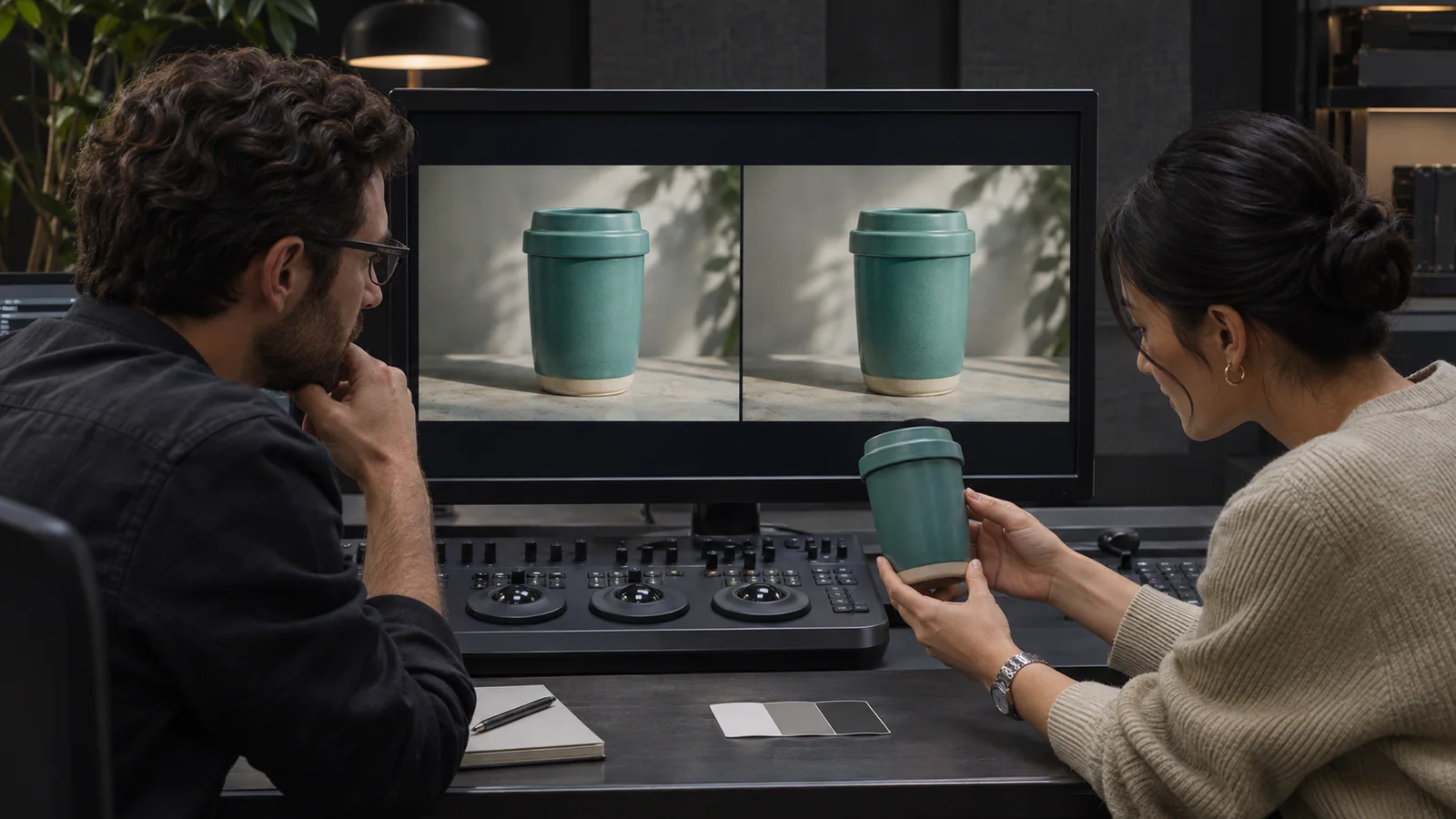
Review color in a brand video against an agreed creative direction, approved product or brand references and a viewing arrangement the finishing team considers suitable. Identify the exact cut and shots, separate factual color concerns from taste preferences and send specific notes to the colorist. Check the revised export before treating the review as complete.
This guide concerns the client’s review and acceptance conversation. Bolt’s color correction and color grading pages describe the related services. Knowing the service names is useful, but it does not settle which reference, viewing setup or final file your team will approve.
Illustrative generated image. This scene does not depict Bolt personnel, facilities or client work.
Separate a creative look from a product reference
Ask whether the concern is the mood of the film, consistency between shots or the representation of something specific. A warmer overall treatment and an accurate product appearance may require a careful creative discussion. Calling both requests more natural can leave the finishing team unsure what the reviewer actually wants.
Identify elements whose appearance matters to the business. These could include packaging, a logo, a material finish or a recognizable product detail. Have the responsible company contact explain which references are approved and what each reference is intended to establish. A reviewer should not have to infer that status from an old presentation or a screenshot in an email.
For a hypothetical product film, the team might want a warm environment while keeping a distinctive teal container recognizable. State both aims before choosing a reference look. This is an illustrative review problem, not a promise that any source footage can be adjusted to meet every requested appearance.
Give references a clear purpose and status
Provide the actual approved assets or samples through the route agreed with the finishing team. Explain what the reference represents and any limitation the team needs to understand. A creative mood image, a supplied brand asset and a physical product sample serve different purposes. Do not quietly substitute one for another.
If several references appear inconsistent, ask the accountable reviewer to resolve which one should guide the work. Keep the decision with the current cut and reference set. An attractive image found online can communicate a creative preference without proving the correct appearance of your own product.
The product sample preparation guide covers confirming physical products before filming. For color review, extend that discipline to the references the post-production team receives. Identify what was actually filmed and any difference between that item and the sample now being discussed.
Agree how the review will be viewed
Ask the colorist or finishing team to explain the appropriate display, playback and viewing arrangements for the intended approval. Different screens and viewing conditions can make informal comparisons difficult. A concern noticed on a phone deserves investigation, but a phone screenshot alone may not establish what caused the difference.
Record the file or review link, device and playback context when reporting an issue. If two reviewers see something different, give the team enough information to compare the circumstances. Avoid asking for opposing global adjustments before the finishing team has assessed whether the disagreement concerns the image, playback or viewing conditions.
Leave technical settings and diagnosis with the responsible specialists. This guide does not prescribe a universal monitor, brightness value or color-space setting. Bolt’s post-production team can discuss the review arrangements for the actual assignment and delivery requirements. Do not assume every consumer display will show an identical result.
Choose representative shots before sending broad notes
Identify scenes that capture the important visual challenges: a product close view, a person’s face, a change of location or a sequence filmed under different conditions. Ask the finishing team which moments are useful for establishing the agreed direction. Review those moments as part of the film, rather than treating isolated stills as the entire assignment.
Check adjacent shots as well as individual favorites. A shot may look appealing alone while feeling inconsistent beside the surrounding material. Describe the transition that concerns you and identify the exact cut. The colorist can then assess what a correction would affect across the sequence.
Keep any still reference connected to its source frame and intended use. If the team supplies a still for discussing a look, ask how that relates to approval of moving pictures. A reference frame is useful evidence for a conversation, but it does not show every change in light, motion or surrounding context.
Write a note that identifies the problem
Name the version and the moment in the cut, then describe what you observe and what approved reference it concerns. For an original hypothetical note: the container appears more blue in the close view than in the preceding wide shot; please compare both against the approved product reference. This gives the team something to investigate without prescribing a technical fix from an uncertain screen view.
Distinguish an observation from a preference. The transition feels darker is an observation to discuss. We prefer a darker overall mood is a creative direction. They may lead to different changes. Keep conflicting preferences visible so the accountable creative owner can make a decision instead of passing incompatible instructions to the colorist.
Use the video approval workflow to consolidate feedback. A long chain of brighter, darker and more saturated messages does not establish an agreed revision. Send the current decision, the relevant references and any questions still waiting for an answer.
Ask what a proposed change affects
A correction to one element can need review alongside other parts of the image and nearby shots. Ask the finishing team to explain the effect of the proposed change in terms the reviewers can assess. Keep the intended look, product representation and sequence consistency in the same conversation.
If a concern comes from the source material or an unresolved reference, identify that limit before requesting another version. Do not describe color work as a guarantee that an inaccurately filmed or unavailable detail can always be reconstructed. The appropriate response may involve a different shot, an adjusted creative direction or another production decision.
Keep scope changes explicit. A new reference, a different visual treatment or additional deliverable may change the finishing assignment. Have the team explain the actual work and agreement rather than treating every later preference as part of an unlimited review process.
Check the export that will actually be delivered
Review the revised file against the agreed notes and confirm which issues have been resolved. Check the relevant transitions and important references in context. A color decision recorded in a message should remain connected to the particular export that received approval.
Tell the team where the film will be played and who checks those destinations. A website video, an event screen and another delivery context can involve different requirements. The guide to video visuals for live event screens addresses that separate use case. Do not treat one casual playback check as proof for every destination.
Preserve the approved version identifier and communicate which file the receiving team should use. If a later edit or graphic revision creates another export, confirm what needs to be checked again. The finished file and the approval record should tell the same story.
Email brian@boltworldwide.com with the current cut, approved references, intended destinations and review contacts. A useful color conversation begins with what the team is comparing and who can accept the result.