Prepare a remote interview recording setup by testing the guest’s actual room, device, camera and microphone with the person responsible for recording. Make and play back a representative test, resolve visible or audible problems and agree how the completed recording will be confirmed and handed over. A successful conversation connection alone does not prove the intended recording is ready.
This guide concerns a prerecorded interview contribution. A live event with an audience, transmission and speaker handoffs needs a separate live stream technical brief. Preparing the participant’s story and topics is also a separate task, covered in employee interview preparation.
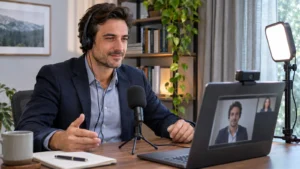
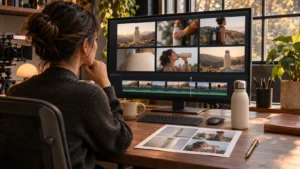
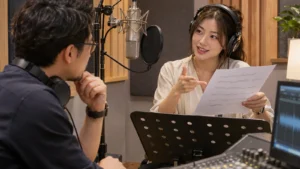
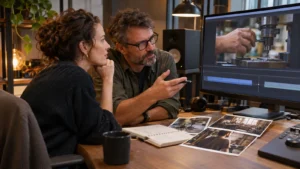
Illustrative generated image. This scene does not depict Bolt personnel, facilities or client work.
Name who owns the recording and guest support
Identify the person who confirms the recording method, helps the guest prepare and checks the resulting files. Explain which equipment or service the guest is expected to use and which parts the production team will manage. Do not leave the participant to choose a setup from unrelated online recommendations.
Agree how support reaches the guest if they cannot join or the planned device is unavailable. Keep the test instructions short and tied to the actual session. If the arrangement depends on an account, application or particular device, have the responsible operator confirm those requirements through the selected service’s current guidance.
This article is a planning resource, not a statement that Bolt provides a particular remote recording platform, equipment shipment or technical operating service. Confirm the actual production scope directly. Keep those responsibilities in the production brief alongside the interview purpose and intended outputs.
Test in the room and position the guest will use
Arrange the test around the intended recording location. A check from a different room or a phone held in the hand may not represent a later laptop interview at a desk. Ask the guest to use the proposed position and equipment so the producer can assess a realistic picture and sound.
Look at the whole frame. Check the guest’s face, camera position, visible background and any distracting movement or information. Ask whether screens, documents or reflections reveal material that should not be recorded. Remove or reposition unsuitable items before the session, rather than relying on the editor to conceal everything afterward.
Discuss light with the producer using the actual camera preview. A bright window behind the participant or changing light can affect the intended picture. Make practical adjustments and check the result. General advice about a room does not replace looking at what this particular setup records.
Check the selected microphone and listening arrangement
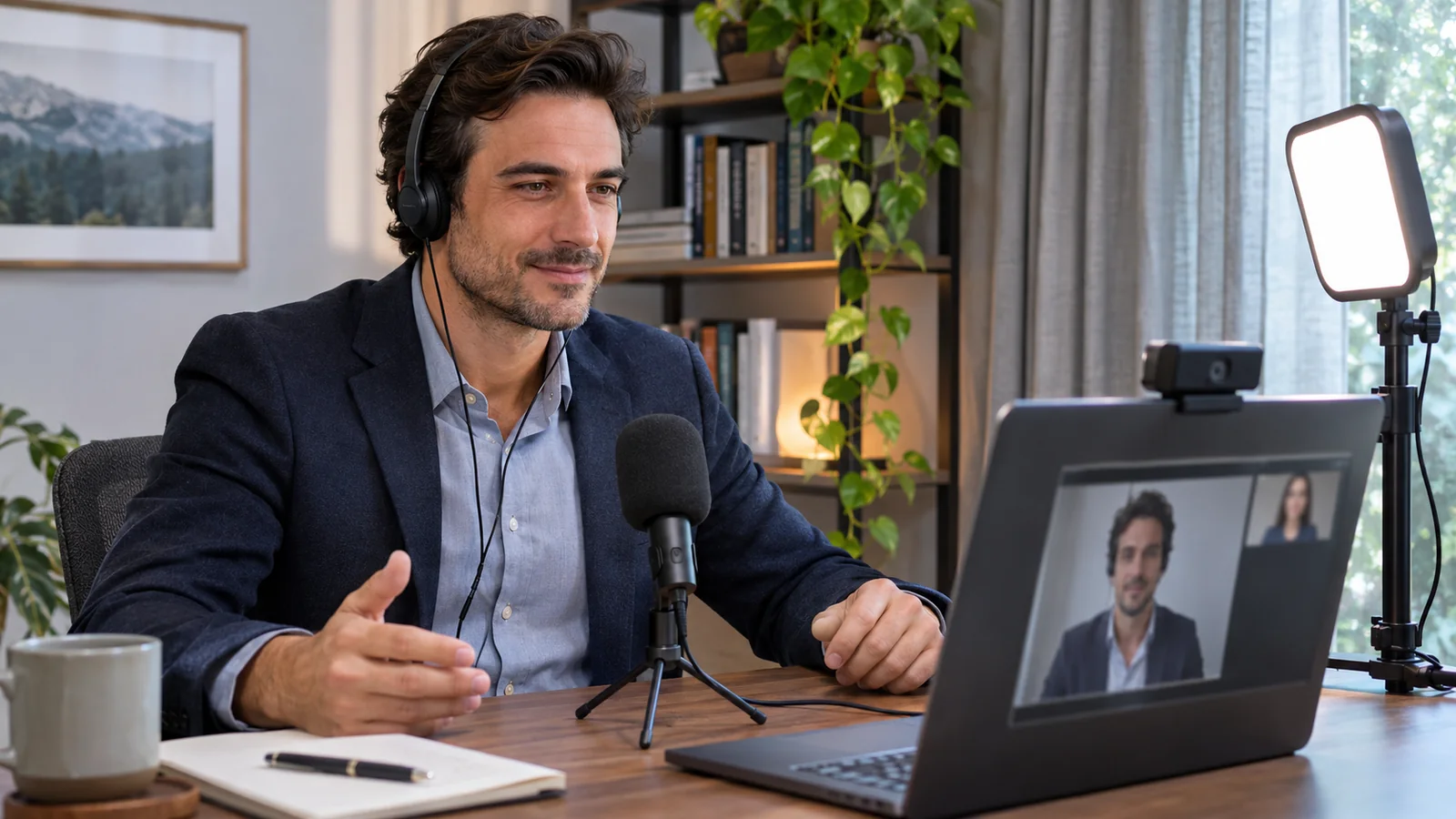
Have the guest speak naturally from the position they will use. The operator should confirm which microphone is actually selected, listen for room noise and check the arrangement for unwanted call sound or echo. A connected external microphone is not proof that it is the input being recorded.
Headphones can help keep the conversation’s playback out of the microphone. Have the responsible operator confirm an appropriate listening arrangement for the actual equipment and recording method. Keep the guest comfortable and able to follow the interviewer while the team checks the result.
Listen for intermittent distractions as well as constant background noise. A room can sound quiet between sentences while notifications, nearby activity or equipment interrupt the answer. Agree what can reasonably be controlled and how the guest should signal a problem. Avoid promising that editing will remove every unwanted sound.
Record and play back a representative test
Ask the recording owner to capture a short sample that includes normal speech and the movement expected during the conversation. Confirm that the resulting picture and sound can actually be played back through the intended process. Watching a live preview and reviewing a saved recording answer different questions.
Have the operator assess the selected framing, intelligibility and the material needed for editing. If something changes after the test, decide whether it needs another check. A different microphone, room or device can affect the setup that was previously reviewed. Keep the confirmed arrangement distinguishable from a proposal that has not been tested.
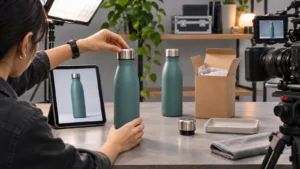
For a hypothetical remote product interview, the guest may also need to hold or refer to an object. Test that action if it matters to the explanation. The framing that works for a seated answer may not show the object clearly. This is an illustrative planning example, not a description of a Bolt client production.
Separate the interview conversation from capture requirements
Explain what the participant should expect without asking them to become a recording engineer. Give them the joining instructions, preparation contact and any specific steps the operator has confirmed. Leave configuration and assessment with the people responsible for them.
The interviewer should still explain the purpose, topics and intended audience. Technical preparation does not require memorized answers. Allow the guest to correct a statement, ask for clarification or pause when a distraction interrupts. The team can then identify what needs to be asked or recorded again.
If a screen demonstration is part of the assignment, define it separately. Our guide to preparing software screen recordings covers demonstration content and what the viewer needs to see. A webcam interview does not automatically establish a suitable screen recording workflow.
Agree what happens if the setup stops working
Ask the operator to explain the actual options if the guest loses the connection, a device stops working or a recording problem appears. Identify who tells the guest what to do and who decides whether to continue, pause or reschedule. Keep any fallback within the agreed production plan.
Do not describe an untested second application or device as a ready backup. A different method may create different files, picture or sound. Have the responsible team assess whether it is suitable and explain its limits. The participant should not have to improvise an unapproved technical arrangement while answering questions.
Record unresolved issues before the session begins. If a material problem remains, make an explicit decision about it. A scheduled interview time does not turn an incomplete setup into an accepted recording plan.
Confirm completion before the guest closes the session
Different recording arrangements save and transfer material in different ways. Have the selected operator explain how completion will be confirmed for this session and what the participant must keep open or provide. Follow the actual service instructions rather than assuming the moment the conversation ends is also the end of capture or transfer.
Name the person who checks that the expected material has arrived and can be opened. Keep any missing files or interrupted transfer visible until reconciled. A notification that something was recorded is only one part of confirming the material the editor needs.
Send the editor the agreed files, useful interview notes and any known interruptions through the editing handoff process. Identify the relevant guest and session without exposing private information unnecessarily. Preserve the originals under the team’s agreed arrangements.
Email brian@boltworldwide.com with the interview purpose, participant locations and intended edited deliverables. Confirm the recording method, technical support and handoff responsibilities before the production depends on a remote contribution.